Compare
Twirldress vs Lookora — your dress, not a stylist's edit.
Lookora and Twirldress share the same starting point — one photo of you, no avatar, no photoshop skills — and then they part ways. Lookora works like a digital stylist: it dresses your photo in curated, stylist-made outfits so you can browse looks and stumble on inspiration. Twirldress works like a fitting room: it renders one specific dress — a gown you found online, a bridal shortlist pick, a design of your own — onto your actual photo, with the hemline, waist and drape doing their real thing.
This comparison walks through when each approach serves you: browsing a stylist's edit when you don't know what you want yet, versus testing the dress you already have your eye on; whole-outfit looks versus dress-only depth; and how the free tiers, apps and privacy policies compare.
Last updated October 2, 2026
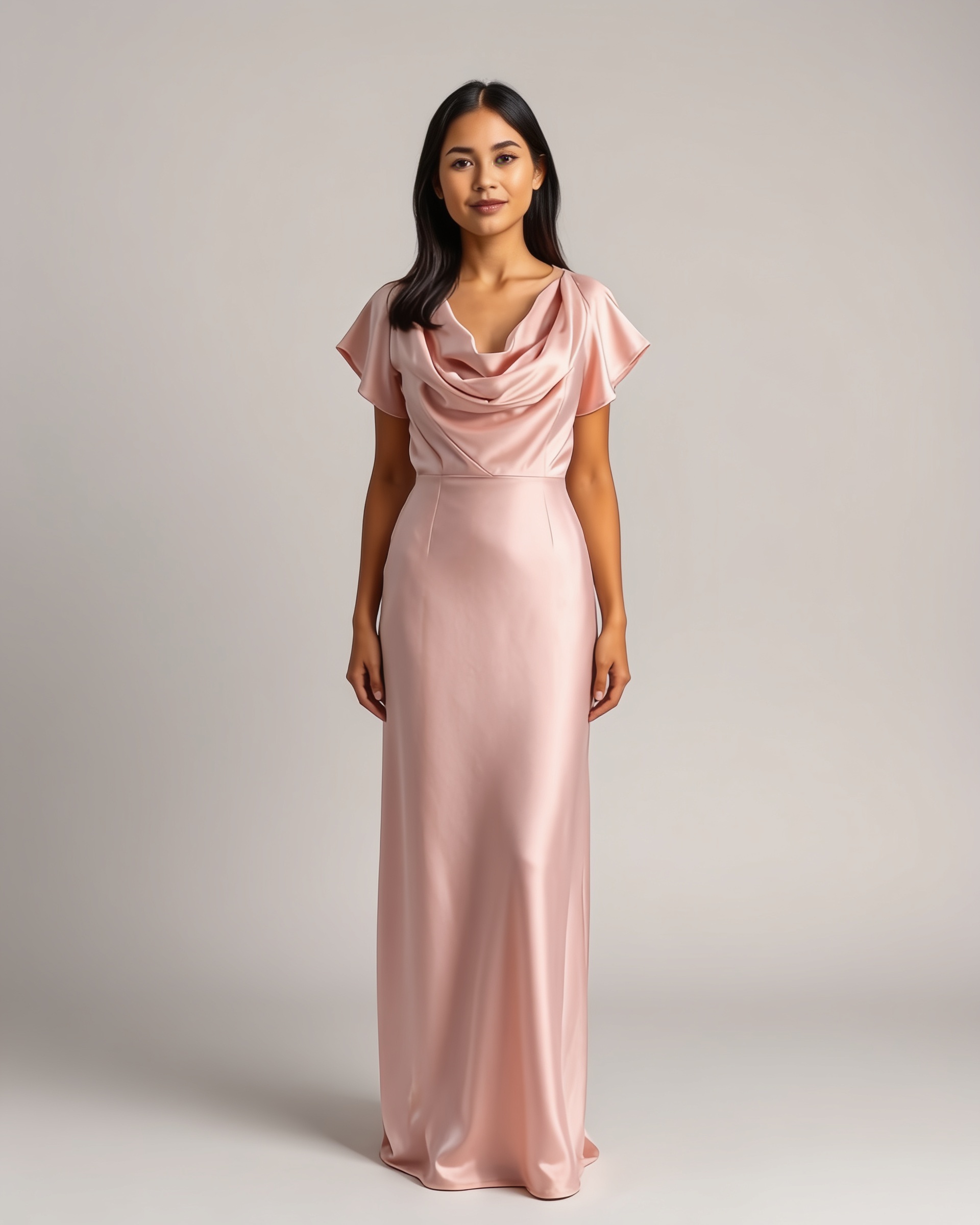
The short answer
Choose Lookora if you want inspiration — a stylist-curated feed of outfits to browse, with a fresh look to try each day. Choose Twirldress when there's a specific dress on the line: a wedding gown, a prom dress, a qipao, a boutique find — and you need to see that exact dress, at its true length and flow, on your real photo. The first try-on is free, so the judgment call takes about 20 seconds.
| Twirldress | Lookora | |
|---|---|---|
| Made for | Deciding on one specific dress | Browsing stylist-curated outfit ideas |
| What gets dressed | Your actual photo — face, pose and scene stay | Your actual photo — no avatar, either |
| Where the dress comes from | Any dress image you upload, or 56+ in-house designs | Mostly the stylist's curated edit; dress-image upload on its dress flow |
| Dress-only focus | Hemline, waist and drape tuned on gowns, bridal and qipao | Whole-outfit styling — tops, bottoms and full looks |
| Where it runs | Any browser, no app | Browser + iPhone app |
| Render time | About 20 seconds | About 30 seconds on its dress try-on flow |
| Free tier | First try-on free after a quick sign-in | One free dress try-on without an account; a curated look per day, at the time of writing |
| Paid model | Pay-as-you-go credits from $5.99 — never expire | Free daily look; extra options via its app subscription |
| Photo privacy | Never stored, never used for training | Handled per Lookora's privacy policy |
Two answers to "what should I wear?"
Both tools put clothes on a real photo of you — the difference is who picks the clothes. Lookora's editorial team curates outfits and the AI renders them on your photo, so the experience feels like leafing through a stylist's lookbook with yourself in it. That's a genuine pleasure when you're at the start of the journey: no idea what suits you, happy to be surprised. Twirldress starts one step later, at the moment you already know the dress — you've saved the product shot, screenshotted the gown, bookmarked the boutique listing — and the only question left is: how does it look on me?
Neither tool asks you to build an avatar, which puts them both a step ahead of try-on apps that render clothes on a digital twin. But the source of the garment shapes everything else about the experience.
A stylist's edit versus your dress
Lookora's strength is the edit: outfits chosen by people with an eye, refreshed often enough that browsing feels rewarding. Its free tier reflects that — a new curated look to try each day on the web, at the time of writing. The flip side is that the catalog leads. If the dress you're wondering about isn't in the edit, the main flow has nothing to say about it, though Lookora's dedicated dress try-on does accept an uploaded dress photo alongside yours.
Twirldress inverts the relationship: your dress leads. Bring any image — the product shot from a boutique, a screenshot of a vintage find, a qipao from a studio shoot, a sketch of your own — and the fitting room renders that exact design on you. If you'd rather browse than upload, there's a library of 56+ original designs you won't find in any stylist's edit, from cottagecore day dresses to bridal gowns.
Dresses are judged in inches
A whole-outfit renderer treats a dress as one garment among many — and dresses punish generalization. An inch of hem error flips a gown from stunning to unwearable, and a midi that renders knee-length isn't a rounding error; it's the wrong purchase. Tools built for full looks spend their fidelity budget across tops, bottoms, layers and accessories, and length through the skirt is a common place for the render to drift.
Twirldress renders dresses and nothing else, so the whole engine — where the waist sits, how a hem breaks, the way chiffon reads as chiffon — is tuned on gown silhouettes, bridal trains and qipao panels. If you're weighing a mermaid against an A-line for a wedding, the wedding try-on guide shows what that dress-only focus means in practice — and you can re-render the same gown from the back, which matters for open backs and trains.
Free tiers, honestly compared
Lookora is generous at the door: one free dress try-on without even an account, plus a daily curated look, at the time of writing — a low-friction way to see what the AI can do. Twirldress asks for a quick sign-in but then your first try-on is completely free, full render, no card. After that the paid models diverge: Twirldress runs on pay-as-you-go credits from $5.99 for 10 — one-time, never expiring, and failed renders don't consume a credit. That suits dress decisions, which come in bursts: a shortlist week before an event, then nothing for months.
So which should you use?
Use Lookora to browse — it's a lovely way to find out what suits you when everything is still open. Use Twirldress to decide: when the dress exists, the tab with the product photo is open, and the only thing missing is you in it. Start with the free render — one honest look at the actual gown beats ten beautiful outfits you can't buy anywhere.
When Lookora is the better pick
- You want inspiration first — a stylist-curated feed to browse when you don't have a specific dress in mind yet.
- You like the ritual of a fresh look to try each day, for free.
- You'd rather have a native iPhone app than a browser tool.
- You dress in full looks — tops, layers, accessories — not just dresses.
Ready to see it on you?
Upload a photo, pick a dress from the library — or upload your own — and see it on you in about 20 seconds. First try-on free.
Twirldress vs Lookora — FAQs
+Is Lookora free to use?
At the time of writing, Lookora offers one free dress try-on without an account and one stylist-curated look per day on the web, with extra options through its app subscription. Twirldress's model is public: first try-on free after a quick sign-in, then pay-as-you-go credits from $5.99 for 10 — no subscription, and credits never expire.
+Which one shows a specific dress more accurately?
Twirldress, for dresses. A dress-only engine tunes everything — waistline placement, hem break, fabric drape — on gowns, bridal and qipao. Whole-outfit tools spread their fidelity across many garment types, and skirt length is where renders most often drift.
+Can I upload my own dress image on both?
Lookora's dedicated dress try-on accepts an uploaded dress photo alongside yours. Twirldress accepts any dress image — product shot, screenshot, Pinterest pin, flat-lay or sketch — and renders that exact design on your photo, or you can pick from 56+ original in-house designs.
+Do I need to install an app?
Not for Twirldress — it runs entirely in the browser on phone or laptop: upload a photo, pick or upload a dress, see the render in about 20 seconds. Lookora works in the browser too and also offers an iPhone app.
+Which is better for wedding dress shopping?
Twirldress. Bridal decisions are silhouette decisions — ballgown versus mermaid versus A-line — and they live in the details a dress-only engine renders faithfully: train, waist, hem, drape. You can try bridal looks free on the wedding try-on page and compare them side by side before any salon appointment.
+How fast is each tool?
Both are quick. Twirldress renders in about 20 seconds; Lookora's dress try-on flow takes about 30 seconds, per its own page. Neither needs a fitting room, a courier or an appointment.
+What happens to my photos on each?
Twirldress uses your photo only to create your try-on — never stored on our servers, never used to train AI, never shared. Lookora handles photos per its own privacy policy; check it before uploading if photo handling is a deciding factor for you.
+Is there anything Lookora does better?
Curation and habit. If your wardrobe questions are open-ended — what suits me, what's in style, what to wear to a thing — a stylist's daily edit is genuinely delightful, and an app makes it a ritual. Twirldress deliberately stays in its lane: the dress you're deciding on, rendered honestly on you.
Keep comparing