For photo studios & photographers
Show every gown on your client — before the shoot.
A studio rack full of gowns is an asset your clients never really see: sample dresses on hangers tell them nothing about how each one will look on them. So they hedge, book the safest option, or ask for a test shoot you can't afford to run. Now you can put the whole collection on a client's photo in minutes — no model call, no test shoot, no sample-room wear.
This is the same fitting room Twirldress runs for everyone, pointed at your inventory: any dress photo — flat-lay, mannequin shot, last season's product image — rendered on a real body in about 20 seconds, first try-on free. Portrait weeks, qipao sessions, prom season, red-carpet themed sets: clients arrive already knowing which gown is theirs, and you shoot more sessions per day with fewer 'can we see it on someone first' conversations.
Photo studio try-on
See a studio gown on you — the way your clients will.
Your photo
Your dress
Output size
Your result will appear here
Pick a photo and a dress, then twirl — your result shows up in about 20 seconds.
Your photo is never stored
Why studios use it
Your rack, without a model call
Upload each dress once — flat-lay, mannequin or product shot — and the AI renders it on any client photo in about 20 seconds. No model fees, no reshoots when a sample wears out, no archive gowns that never get seen.
Clients arrive decided
Send clients the fitting-room link before the session: they test the collection on their own photo at home and book knowing their dress. Consultations turn from "let's see" into "let's shoot".
Theme a shoot in minutes
Qipao set, red-carpet week, prom season — preview the full themed rack on the actual client and lock the shot list, hair direction and props before the lights go on.
The three themes that book
Most studio dress sessions fall into three buckets. Each one has a workhorse style — and each links to a piece from our own library so you can feel the workflow before uploading your rack.
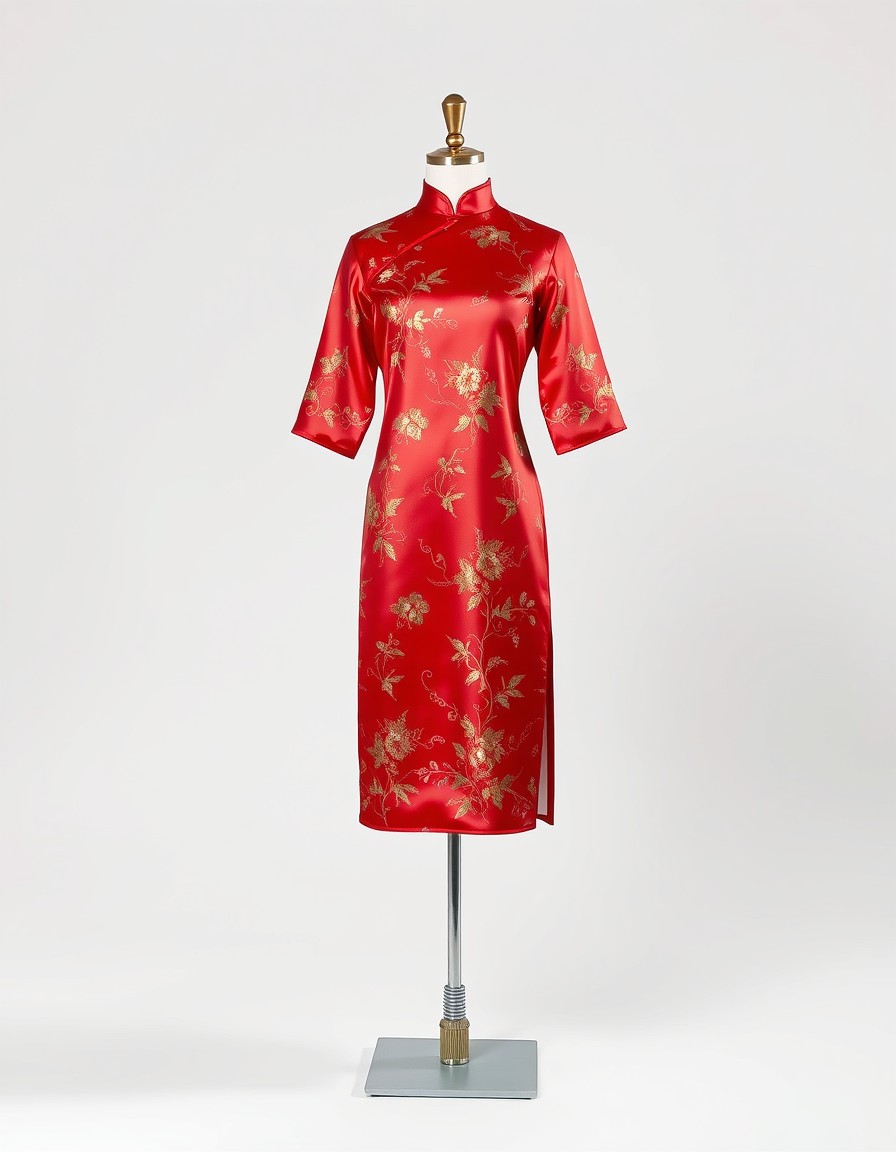
Qipao portraits
Heritage shoots, family portraits, festive cards
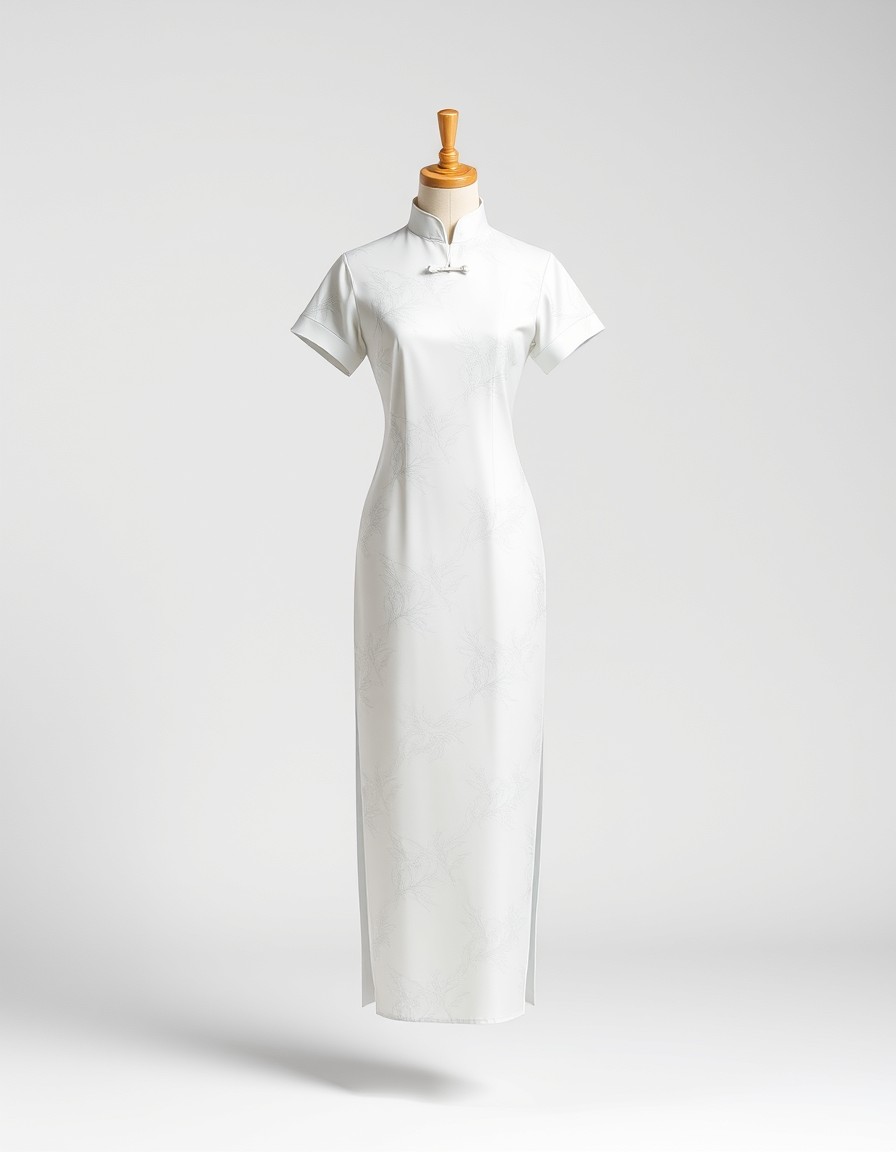
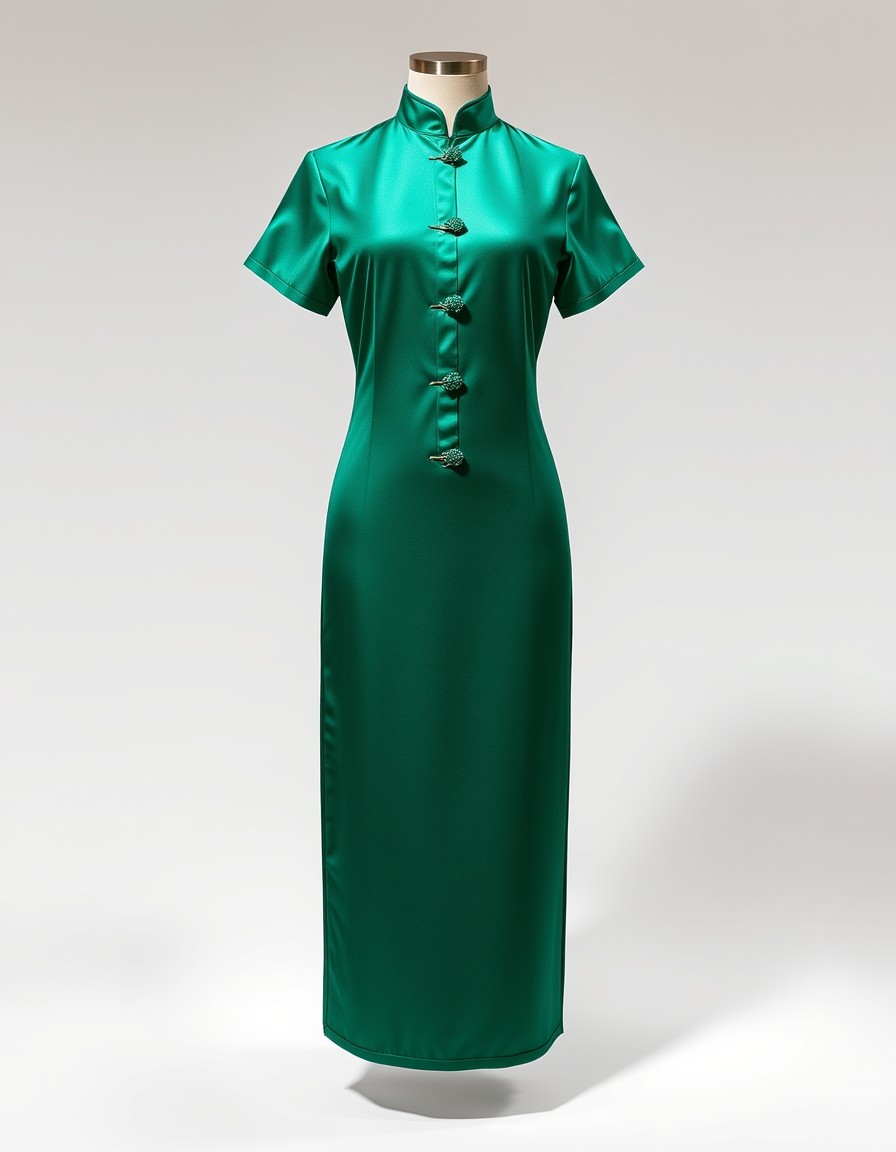
The mandarin collar and liquid drape of a silk qipao read as occasion the moment they appear — which is exactly why clients ask for them and then hesitate, unsure the style is 'theirs'. A try-on settles it: the high collar and column silhouette on their own proportions, not on a sample-room mannequin.
Try this shape on you →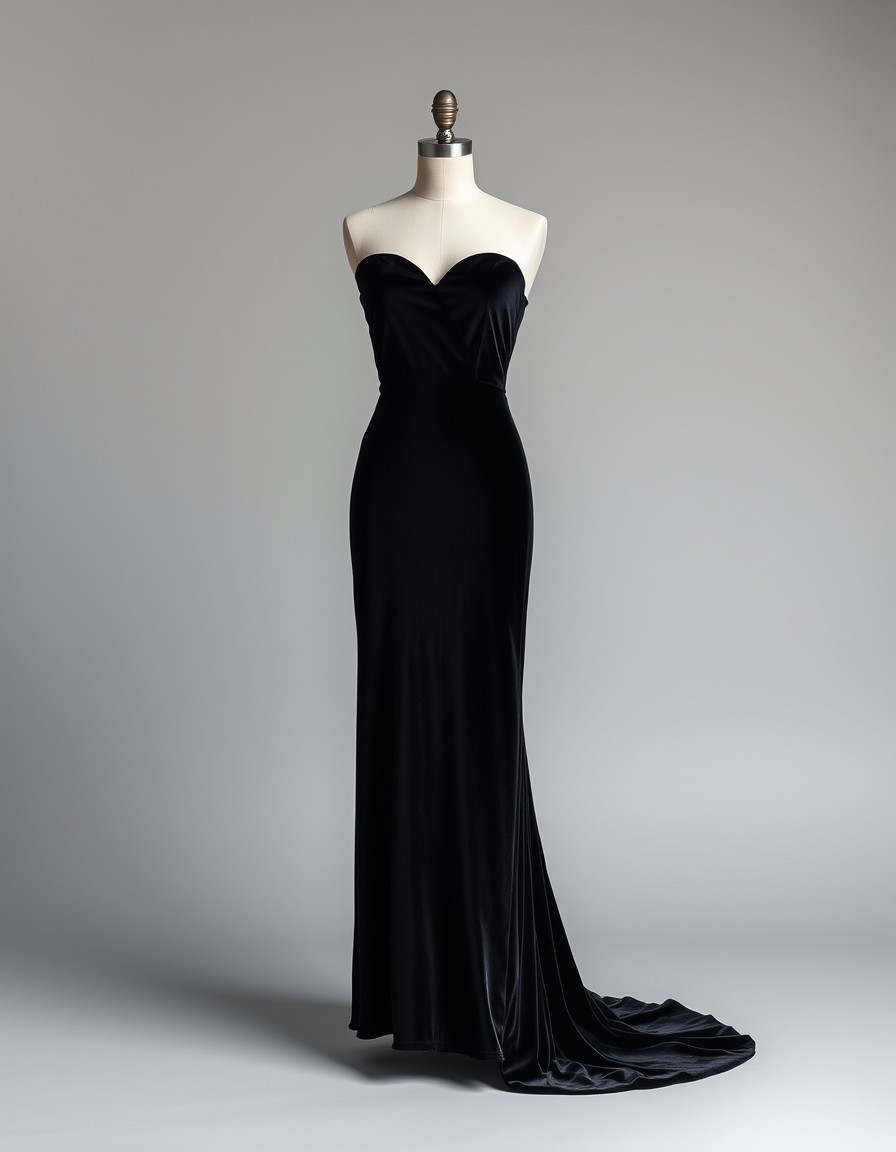
Red carpet & glamour
Milestone birthdays, pageant portfolios, personal branding
Velvet, trains, statement necklines — glamour sets are where clients spend the most and hesitate the longest. Previewing the drama on the client first turns 'maybe the black one?' into a shot list: where the train pools, which angle carries the neckline, how the light hits the velvet.
Try this shape on you →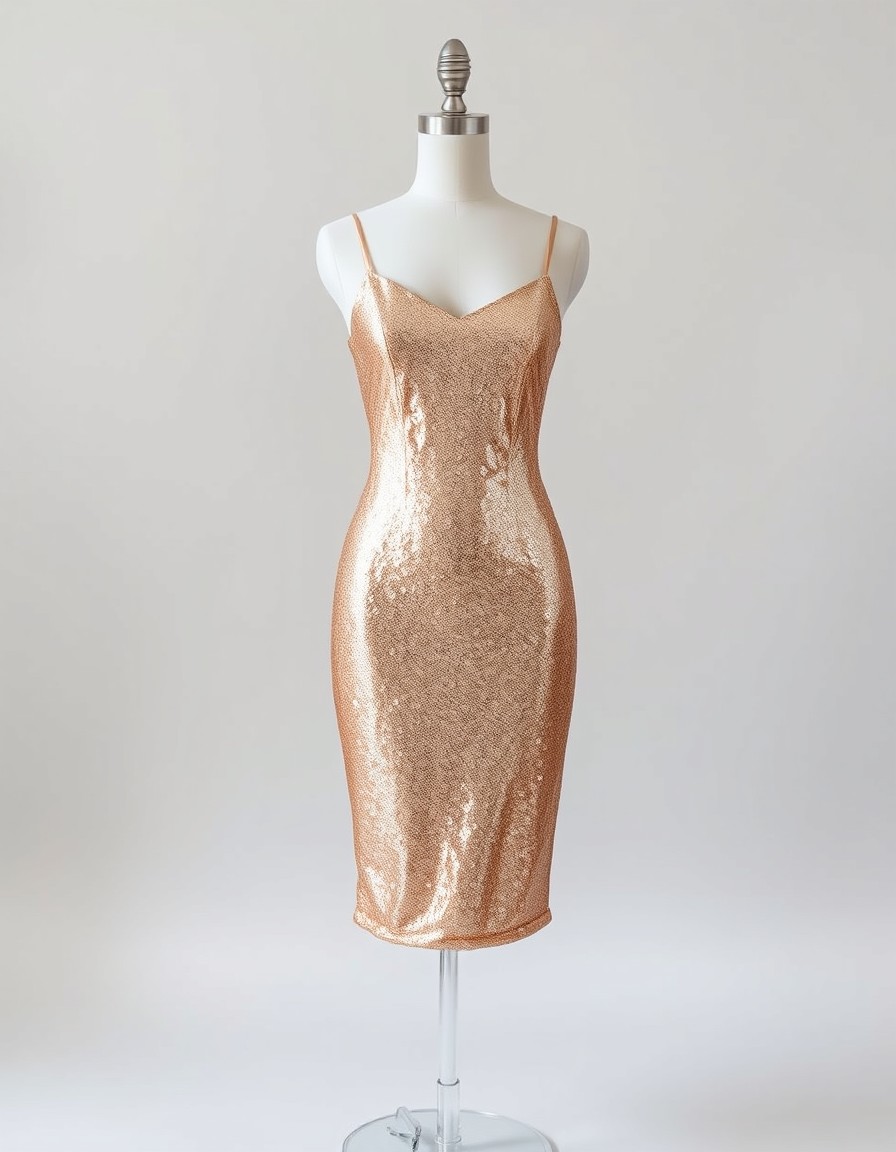
Prom & graduation season
The busiest weeks on your calendar
Teens arrive with Pinterest boards and leave with whatever fit. Run their shortlist on their photo instead: sequins versus satin, midi versus gown — decided at home in an evening, so your season books out with clients who already know their look.
Try this shape on you →Rendered by the same engine
Real output from Twirldress — the exact fitting room embedded above, shown here on our AI models and our own dress designs. Upload your rack and your clients' photos, and the same engine dresses them.
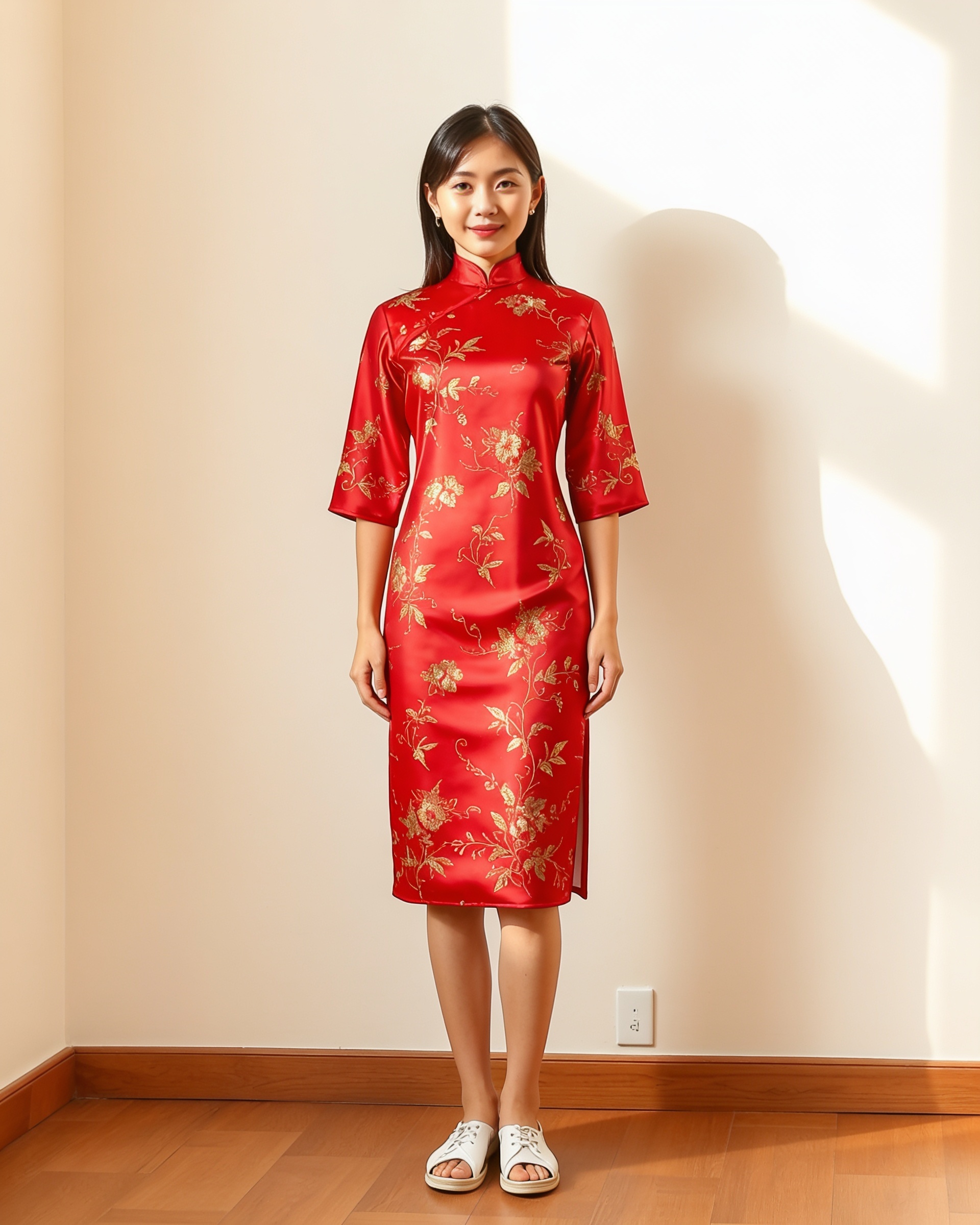
The Blossom Qipao — golden embroidery on red silk, on our East Asia model. The workhorse of heritage portrait sets.
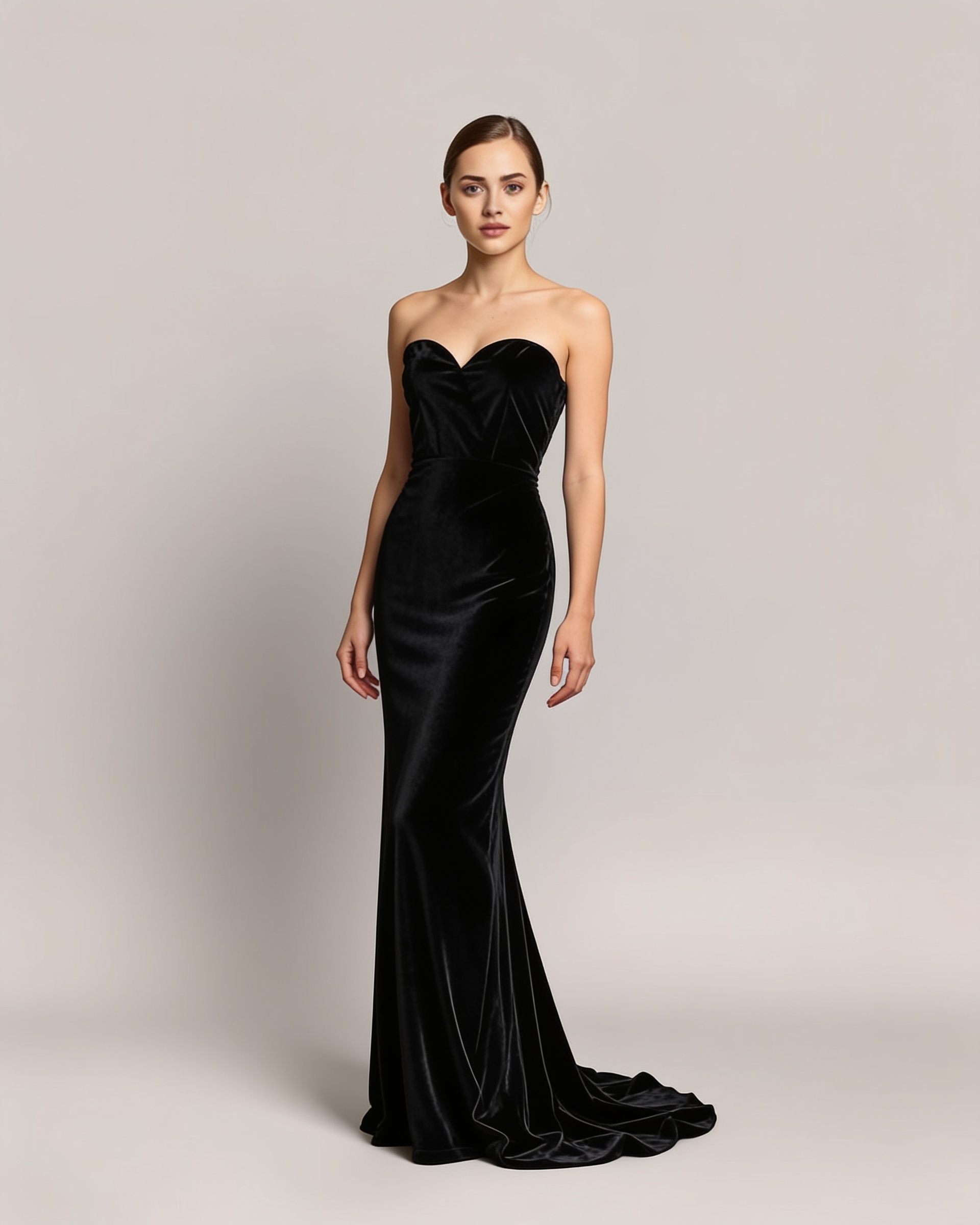
The Velvet Train — strapless black velvet with a sweeping train, the centerpiece of a red-carpet set.
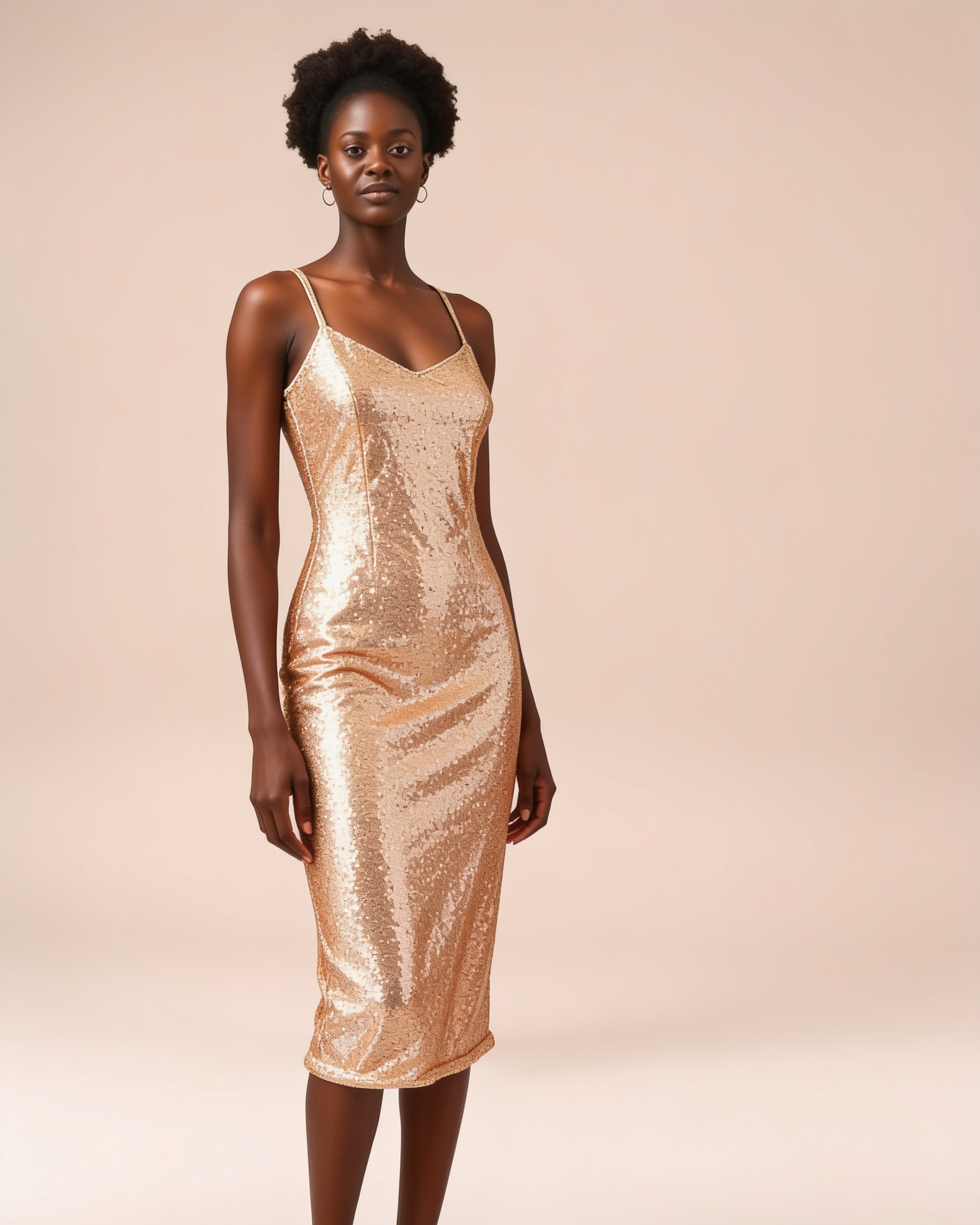
The Gold Shimmer — champagne sequins that settle 'the one' before prom season books out.
Or start from the studio library
Portrait-ready themes — qipao, red carpet and prom — pre-loaded in the fitting room. Upload your own rack whenever you're ready.
How it works
Photograph your dresses
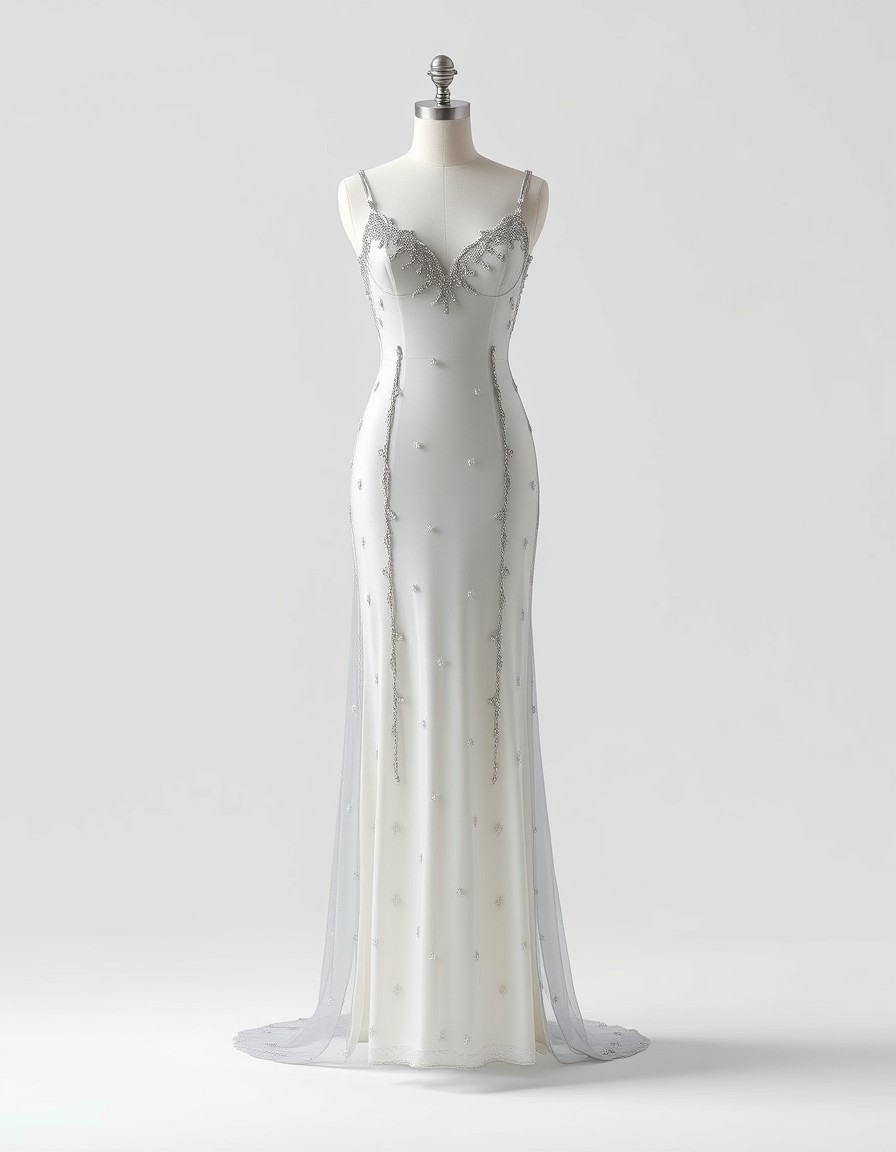
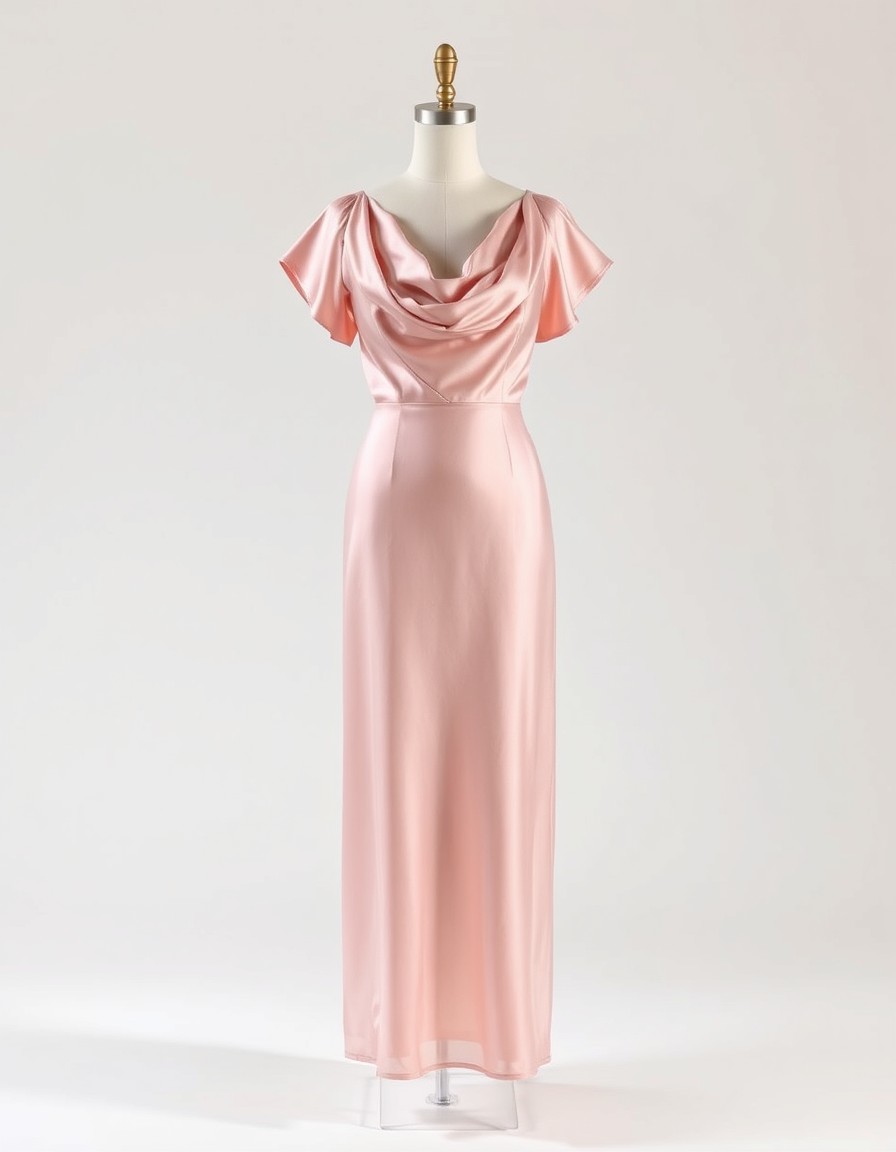
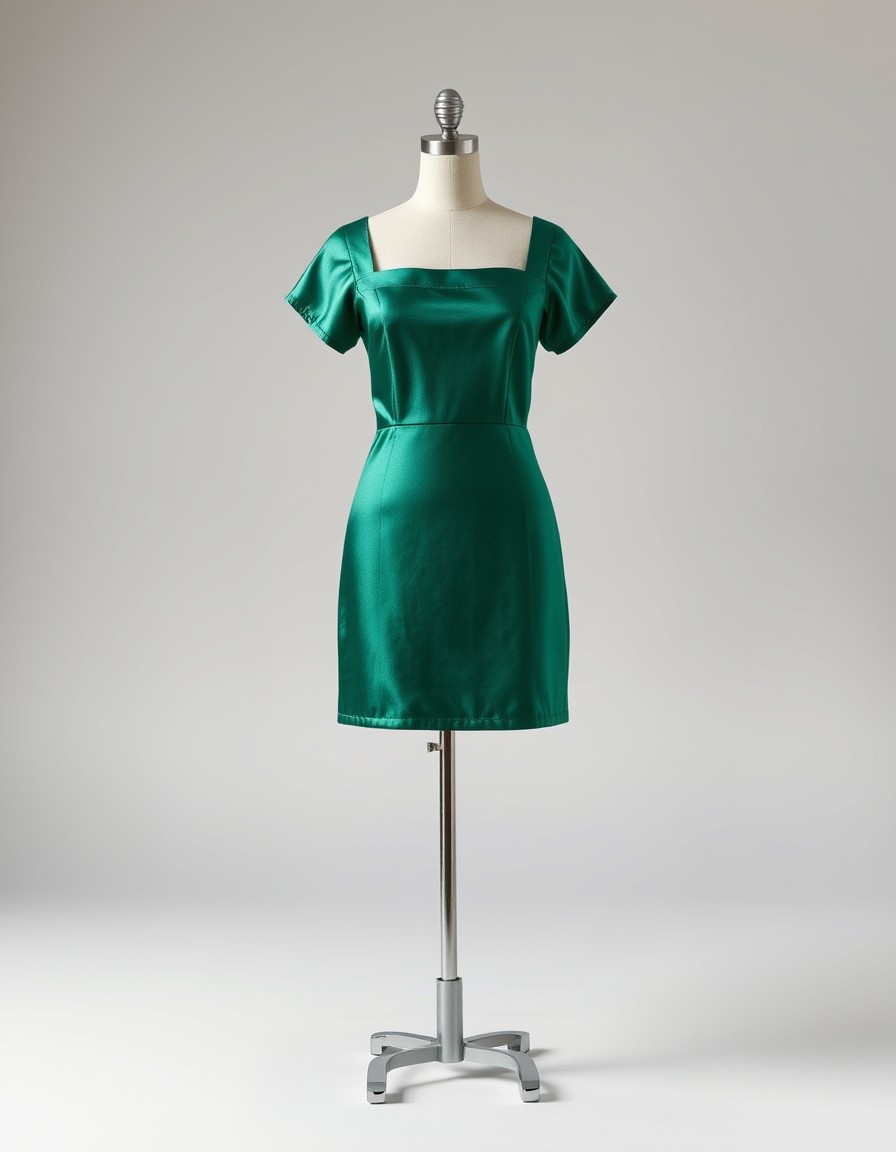
One clear photo per dress is enough — flat-lay, mannequin or product shot on a plain background. Upload it as the dress image; the built-in themes above work too.
Add a client photo
The client uploads a full-body photo — or you take one at the consultation. Face, pose and background stay untouched; only the dress changes.
Compare and book
Run the shortlist across the collection in minutes, save the renders the client loves, and build the shot list around the winners.
Ready to see it on you?
Upload a photo, pick a dress from the library — or your own — and see it on you in about 20 seconds. First try-on free.
Frequently asked questions
+Can I upload my studio's own dress collection?
Yes — that's the core of the workflow. Any clear dress photo works: a flat-lay, a mannequin shot, or a product photo from last season's catalog. Upload it as the dress image and the AI renders it on any client photo.
+Does this replace a real fitting?
No — think of it as pre-visualization. Drape, color and silhouette render faithfully on the client's proportions, which is enough to pick a direction and plan hair, props and poses. The final fit still happens in your fitting room, and structured pieces (corsetry, heavy trains) always deserve a real try-on.
+What kind of dress photo works best?
Front-facing, well-lit, on a plain background — the closer to a product shot the better. Details like embroidery and beading render most faithfully when they're visible in the source photo.
+Will the render match the real garment?
Color, cut and drape follow the source photo closely, and because the client's face, pose and body are kept, they see the dress on themselves — but treat renders as direction, not fabric swatches. For pieces where exact shade matters (bridal whites, brand colors), confirm against the physical dress.
+Can clients try the collection from home?
Yes — share the fitting-room link and clients run the try-ons on their own photos before they come in. Studios use it to shorten consultations, pre-sell premium gowns, and serve destination clients who choose their dresses remotely.
+How do I preview a whole themed rack?
Run the same client photo against each dress in turn — each render takes about 20 seconds, so a ten-gown theme previews in under five minutes. Keep the client's favorites and you have a shot list.
+What does it cost for a studio?
It's the same pay-as-you-go tool everyone uses: the first try-on is free after sign-in, then small per-render credits. Previewing a full themed rack costs a few dollars — less than one hour of a freelance model.
+Do renders carry a watermark?
Free try-ons carry a small twirldress.com watermark; credit renders are clean. Watermarked previews are handy for client approval — switch to clean renders for mood boards and shoot decks.
+Can I use the renders in my portfolio or marketing?
Yes — clean credit renders are ready for mood boards, shoot decks and social. They're AI renders built on a client's photo, so get the client's OK before posting anything that shows their face.
+Does it work for kids' and family sessions?
The engine is built for adult full-body photos. Teen prom and graduation previews work exactly as described; for young children, preview on the parent instead and keep the real fitting in the studio.
+Do clients need an account?
Yes — sign-in keeps their photos private to them. It takes under a minute with Google sign-in, and their first try-on is free, so there's no cost for a client to test the workflow before their session.
+What happens to client photos?
Photos are used only to create the try-on — processed by our image-generation provider, never stored on our servers, never used for AI training, and never shared. Details in our Privacy Policy.