For dress rental & lending shops
Let customers rent the dress — they've already seen on themselves.
Rental lives and dies by the photos. A gown photographed once — flat-lay, mannequin, or that one hanger shot — has to convince dozens of renters, and every "it looked different on me" becomes a return, a refund, or a review you can't answer. Put the catalog on the customer's own body instead: one photo per dress, on-body previews for every renter, before anyone books.
It's the same fitting room Twirldress runs for brides and sellers, pointed at a rental rack: any dress photo rendered on a real body in about 20 seconds, first try-on free. Occasion wear, bridal, bridesmaid sets, prom season — the whole closet becomes previewable without a single on-model photoshoot, and renters decide on their own proportions instead of a mannequin's.
Dress rental try-on
Try a rental-rack favorite on your own photo.
Your photo
Your dress
Output size
Your result will appear here
Pick a photo and a dress, then twirl — your result shows up in about 20 seconds.
Your photo is never stored
Why rental shops & renters both win
One photo per dress, endless previews
Skip on-model shoots for the catalog: a single flat-lay or mannequin shot becomes an on-body preview for every renter, on demand, whatever their height or proportions.
Fewer "looked different on me" returns
Renters decide on their own body, not a model's. Silhouette, drape and color read true before booking — so the mismatched-rental conversation mostly disappears from your inbox.
A catalog that sells itself
Send every inquiry a try-on link instead of a photo album. Customers who've seen the dress on themselves book faster, hesitate less, and upgrade to premium gowns more often.
Rendered by the same engine
Real output from Twirldress — the exact fitting room embedded above, shown here on our AI models and our own dress designs. Your rack works the same way: one photo, on every renter.
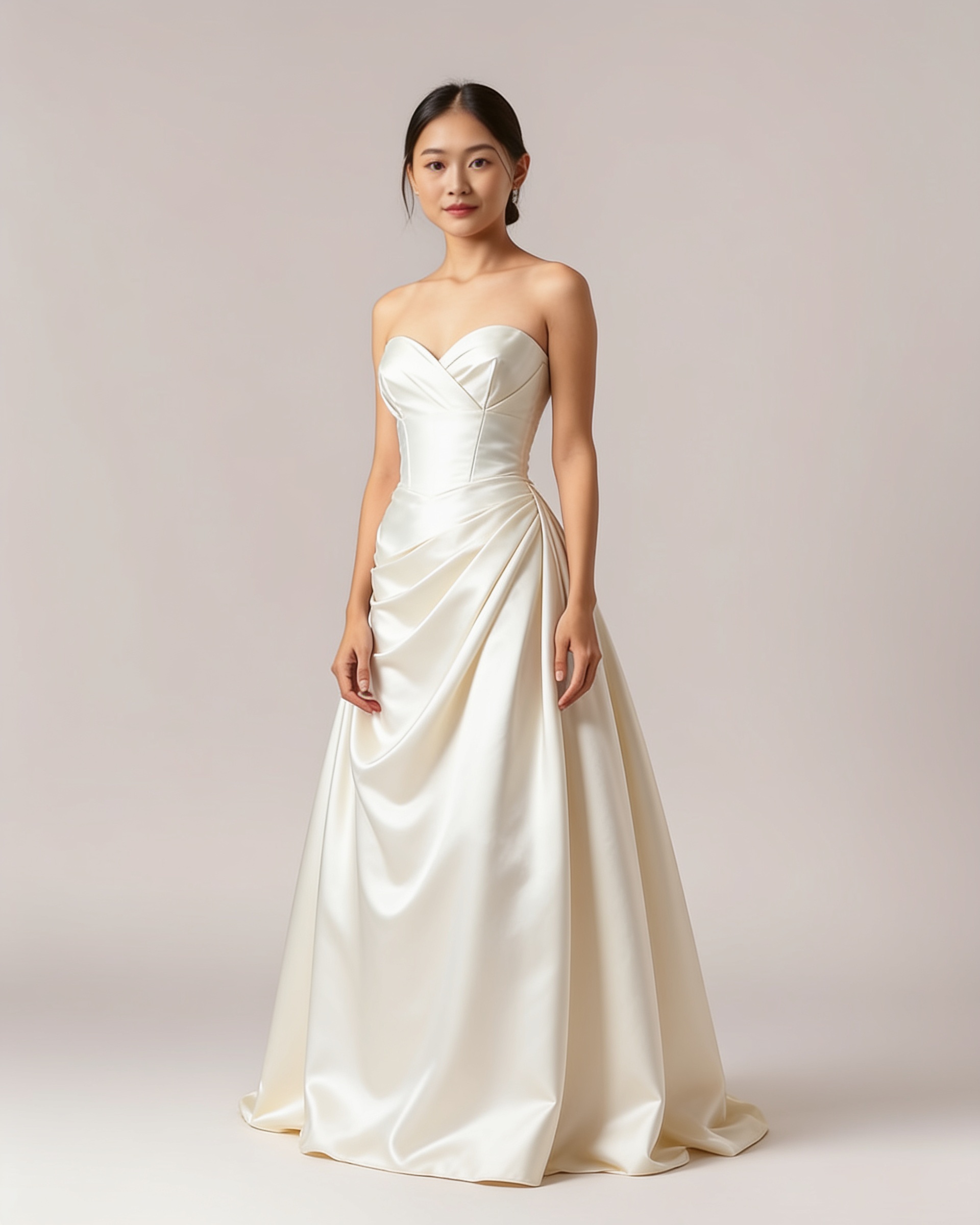
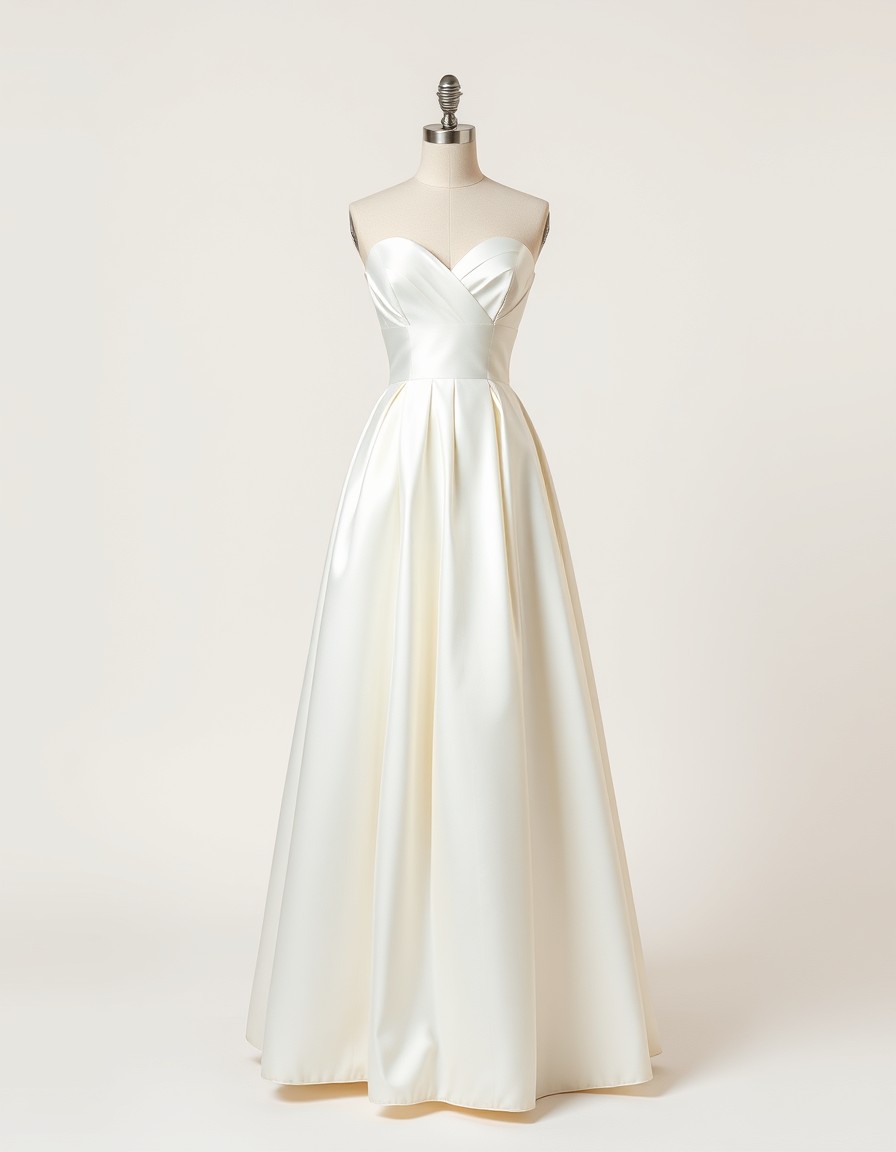
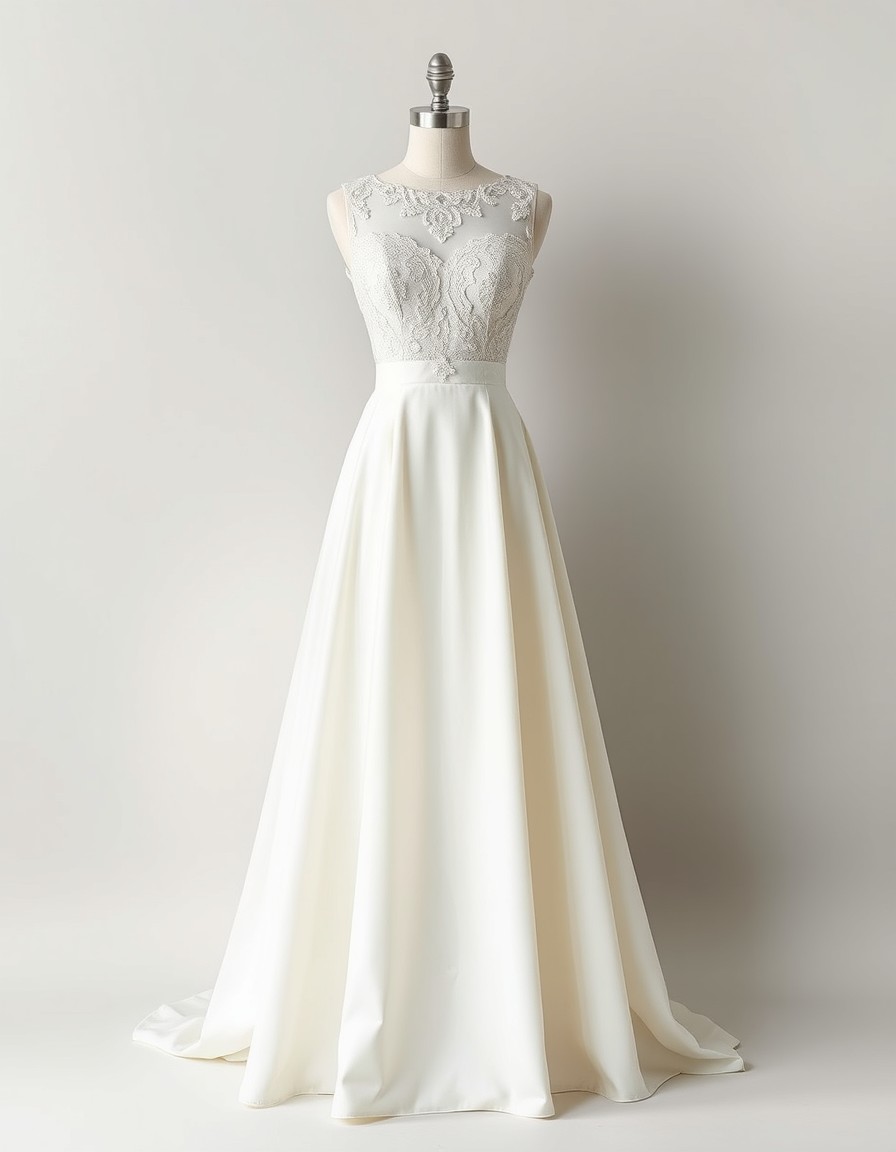
The Soft A-Line — pleated satin over a sweetheart neckline. Bridal rental's most-booked silhouette.
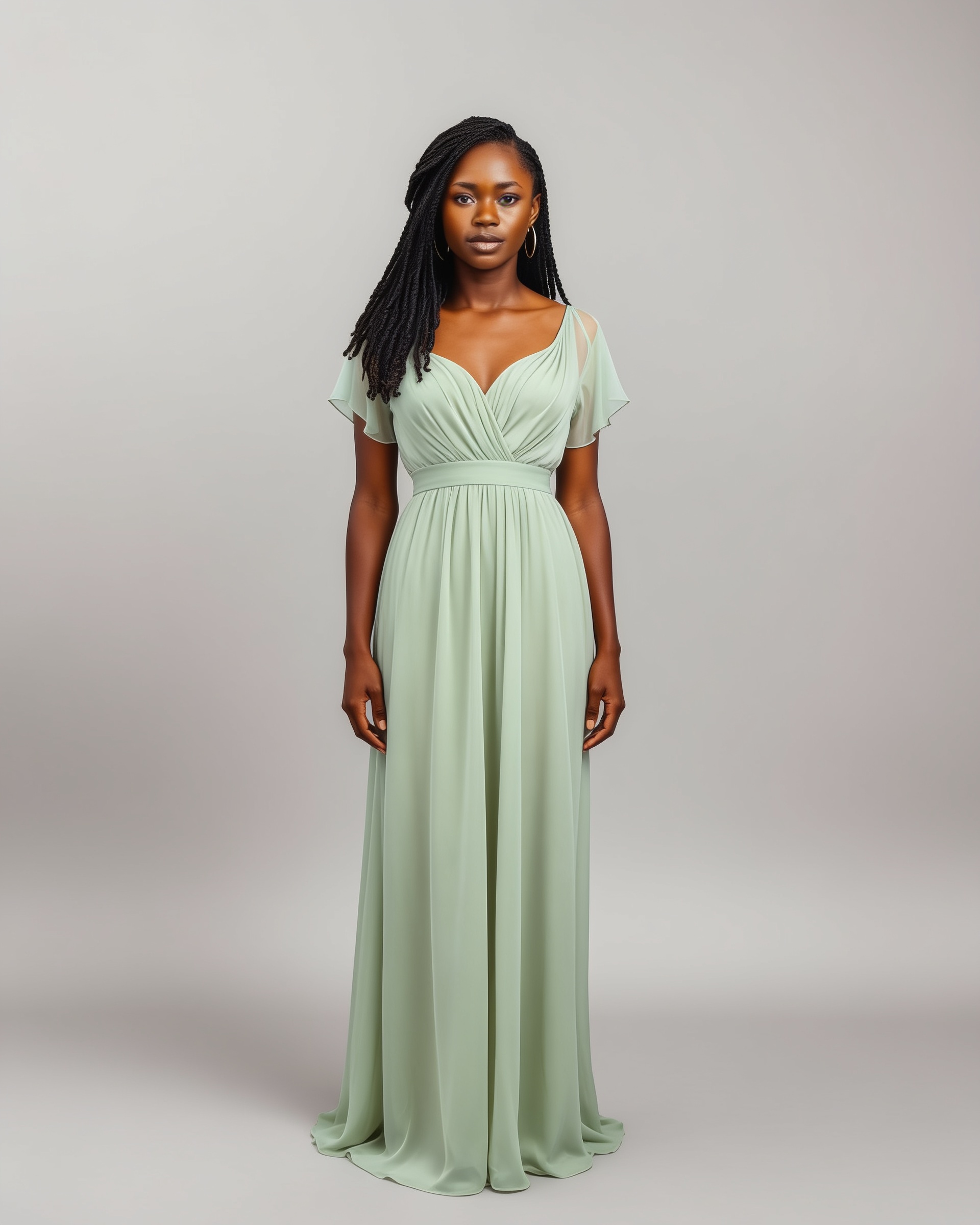
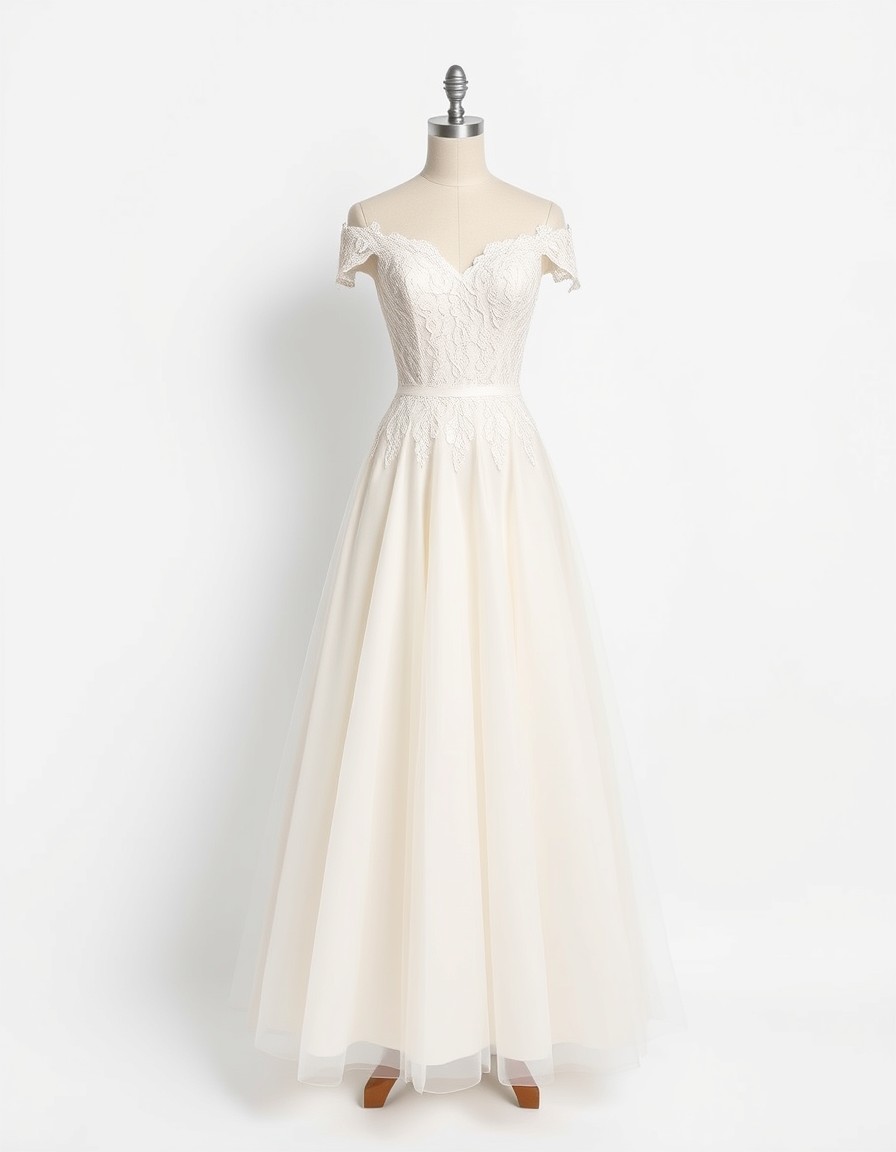
The Sage Flutter — shirred chiffon that lets a whole party agree on one shade before anyone books.
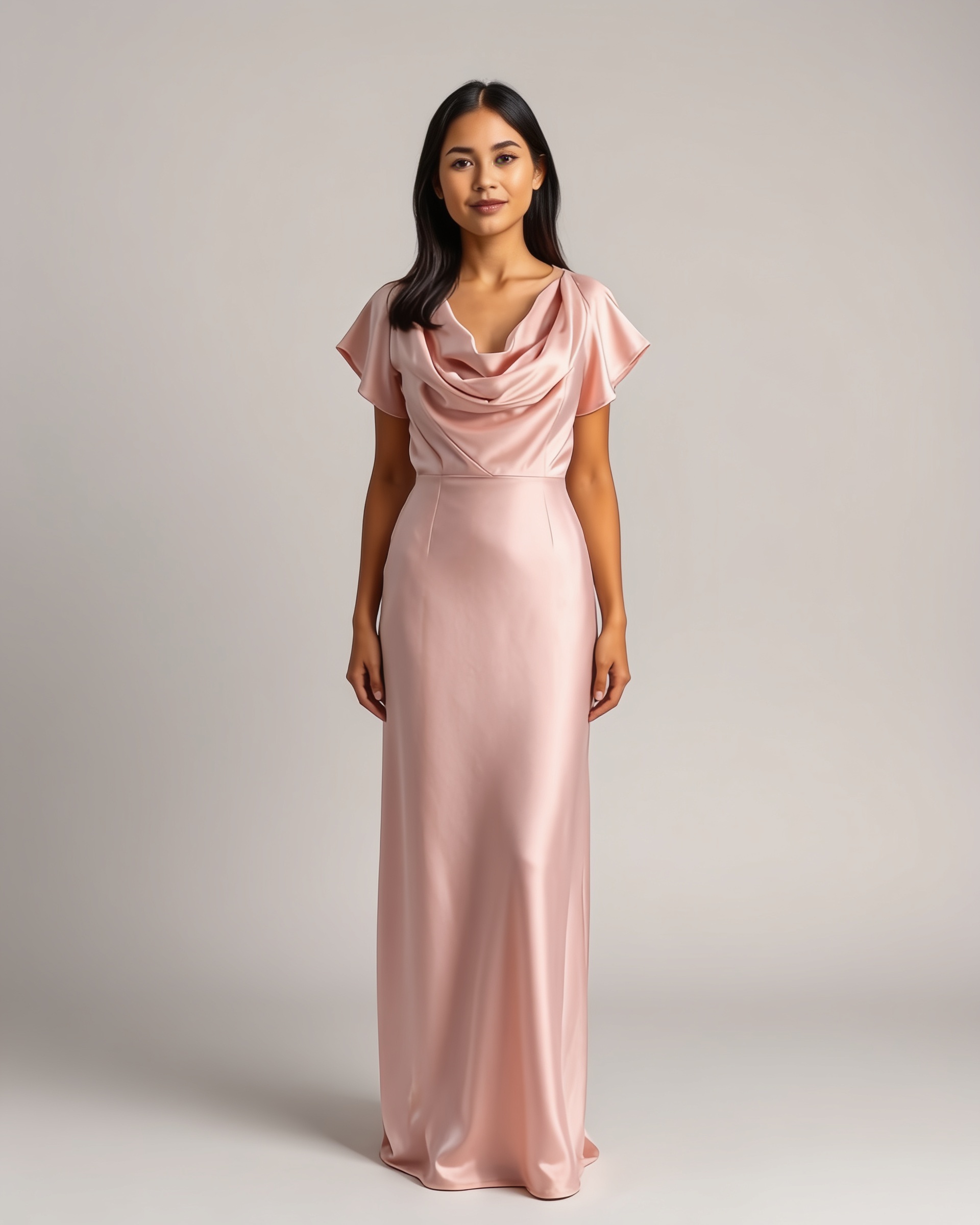
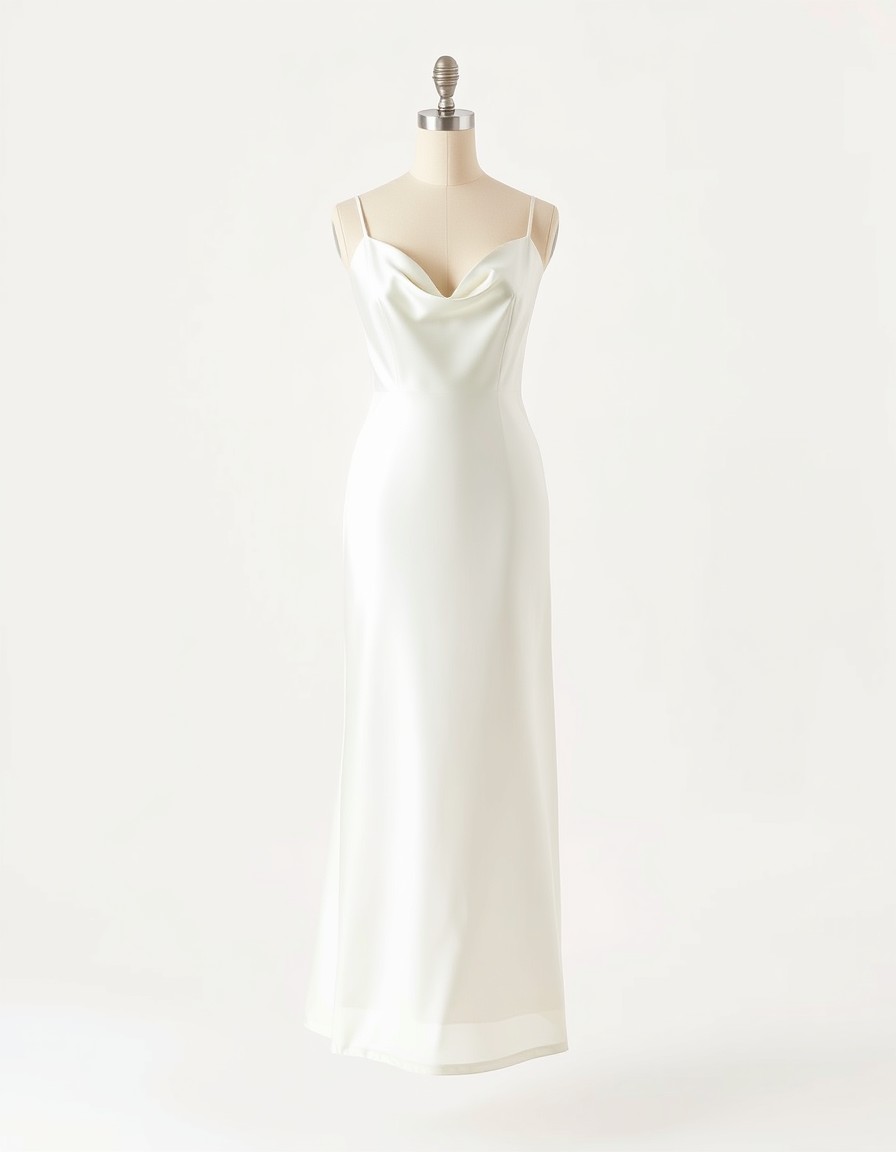
The Blush Cowl Gown — draped satin for prom season, previewed before the deposit.
Start with the rental-rack favorites
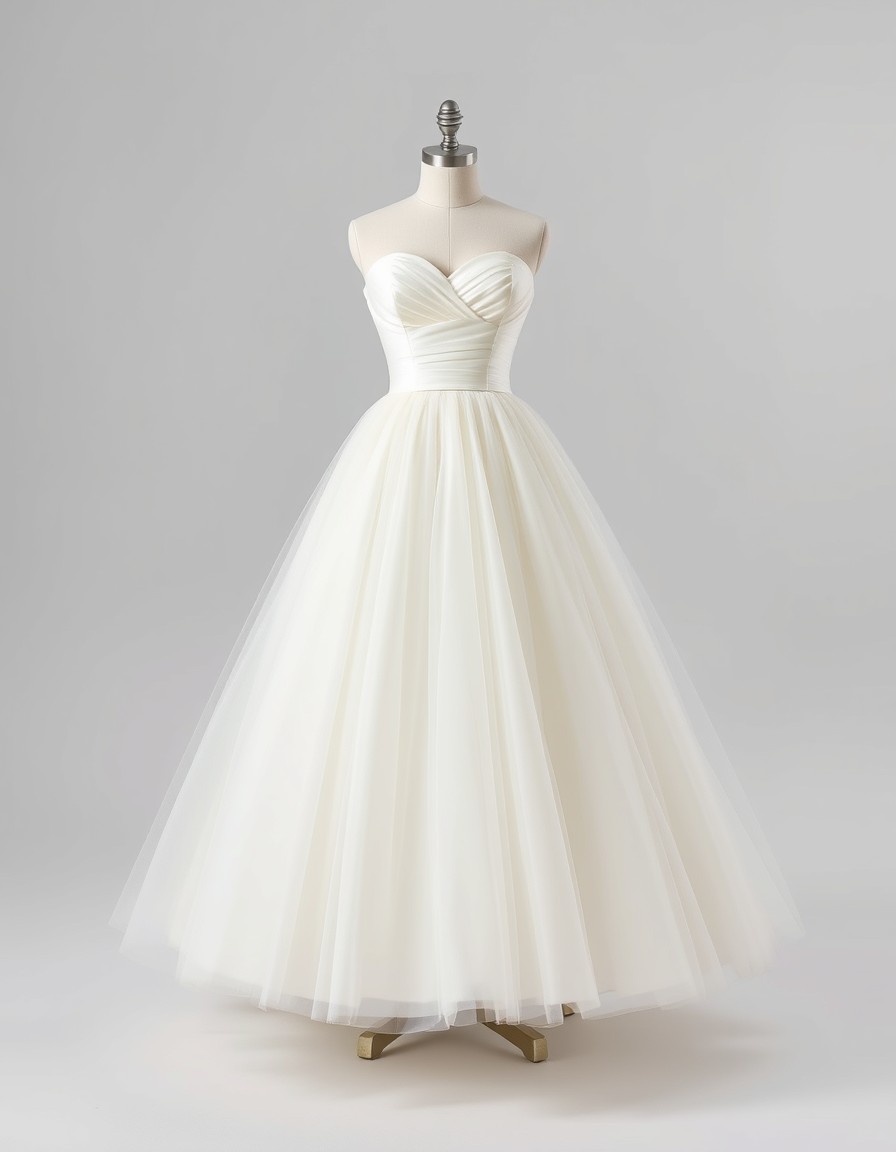
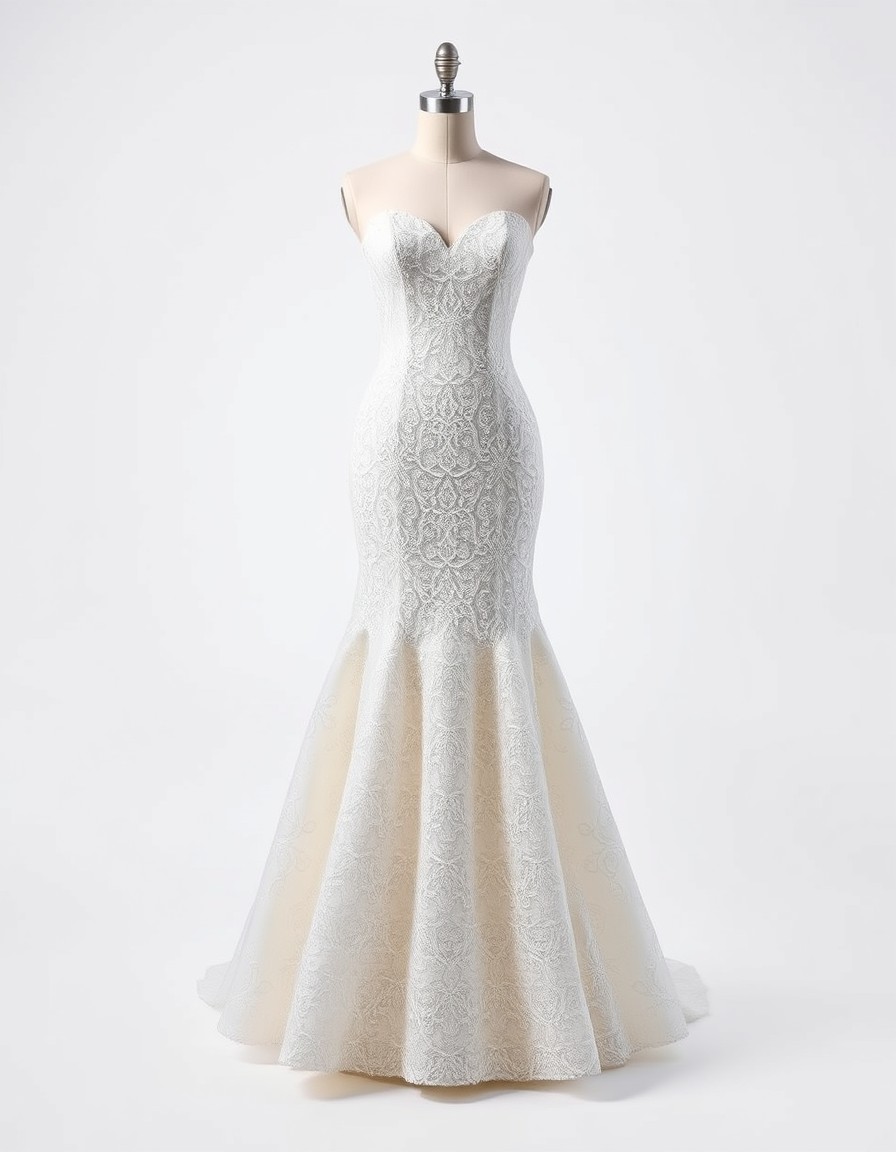
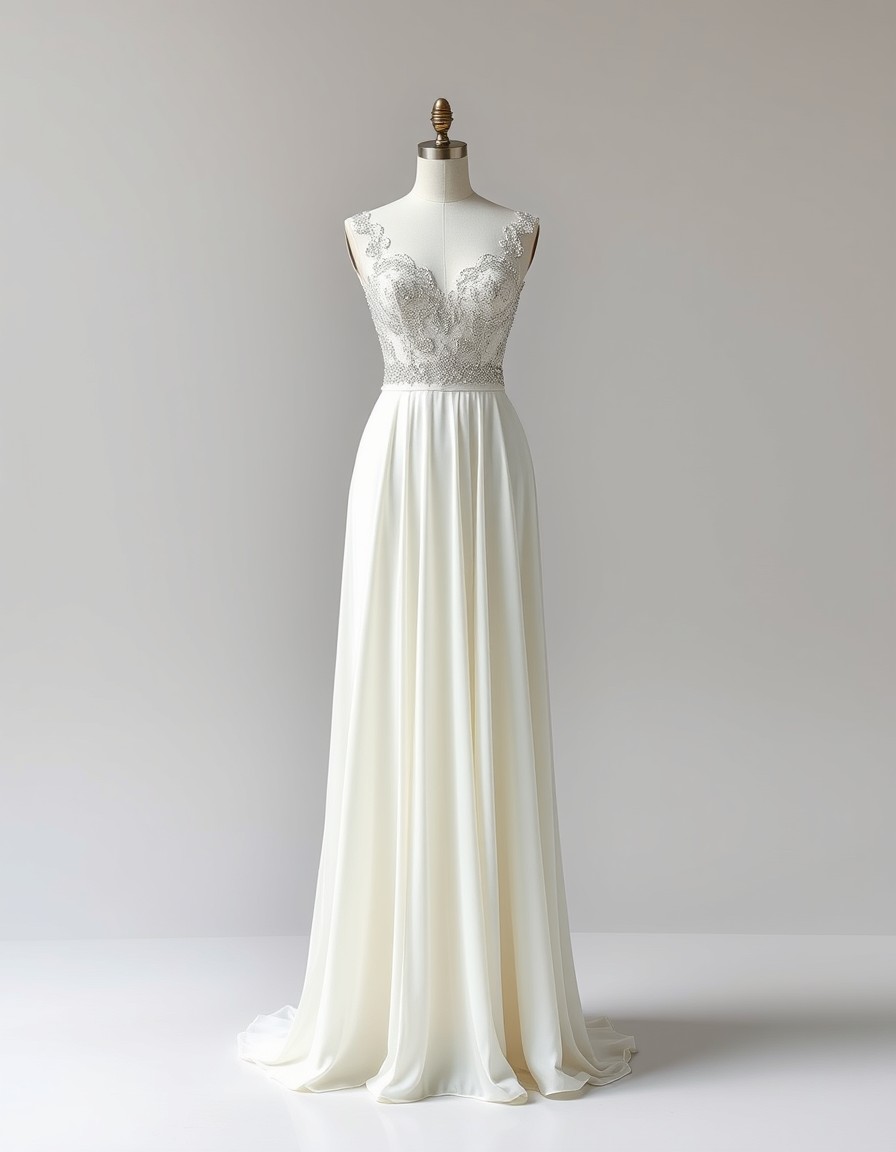
The occasion wear customers rent most — bridal, bridesmaid and prom — pre-loaded in the fitting room. Upload your own catalog whenever you're ready.
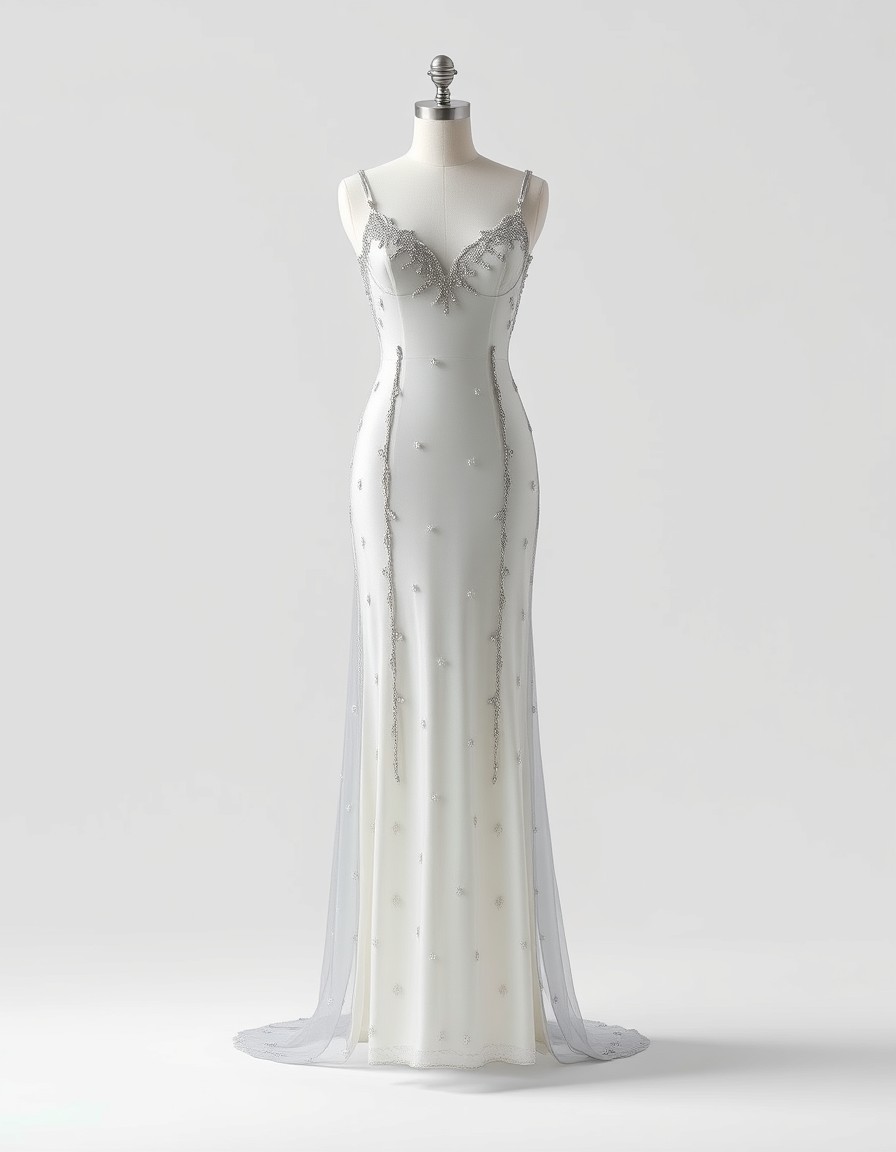
Outfit the whole party, one rental at a time
Bridesmaid groups are a rental shop's biggest order and its slowest one: five to eight women, different heights and body shapes, one palette that has to work on everyone — and every one of them wants to know how the dress looks on her before she pays a deposit.
Try-ons close that gap. Each bridesmaid runs the candidate shades on her own photo — sage on one, navy on another — and the palette gets agreed on real bodies in a group chat, in days instead of months. Mixed sizes stop being a risk when everyone has already seen the same gown work on different proportions.
For the shop, that means one consolidated order instead of six hesitant hold-outs — and a party that arrives at pickup already sure, having each seen themselves in the dress weeks ago.
From first look to return
The renter browses your catalog through try-ons at home — each candidate gown on her own body, a shortlist forming without a single visit. This is where your link does the selling.
She books the favorite — plus a backup straight from her try-on list. The deposit gets paid on a decision, not a hope.
She arrives already knowing the drape, the color and the silhouette. Your in-store fitting confirms the size; it's a confirmation, not a discovery process.
The dress comes back on schedule, and the review writes itself: what she saw in the preview is what she wore. "Looked different online" never enters the conversation.
How it works
Photograph the rack once
One clear photo per dress — flat-lay, mannequin or supplier product shot on a plain background. That single image powers previews for every customer; no per-item model shoots.
Share the fitting room
Send customers the link: they upload a full-body photo and try the catalog on themselves at home, in minutes, before paying a deposit.
Book with confidence
Customers shortlist from real on-body previews; you get fewer mismatches at pickup and a booking conversation that starts from "I loved it on me".
Ready to see it on you?
Upload a photo, pick a dress from the library — or your own — and see it on you in about 20 seconds. First try-on free.
Frequently asked questions
+How is this different from photos on a model?
A model photo shows the dress on one body; a virtual try-on shows it on your customer's body — her height, proportions and coloring. That's the difference between "nice dress" and "this is my dress", and it's what turns browsers into bookings.
+Do I need new photos of every rental dress?
No. Whatever you have works — flat-lays, mannequin shots, supplier product photos. One image per dress is enough to start; you can always re-shoot your most-rented favorites later.
+Can customers try several dresses before choosing?
Yes — that's the point. Comparing five gowns on their own photo takes minutes, which in store would be five fittings. They arrive — or book — decided.
+Will the preview match the actual garment?
Silhouette, drape and color follow the source photo closely. It's a decision tool, not a fitting: exact measurements, lining and stretch still live in the physical dress. For pieces where fit is tight — structured bodices, sized-to-fit gowns — keep your normal size guidance alongside the previews.
+Can renters check their size with it?
The preview answers "does it suit me"; the tape measure answers "which size". AI renders show drape and silhouette on the customer's proportions, but they don't replace your size chart — keep both in the conversation.
+Does this replace in-store fittings?
No — it makes them shorter. Customers walk in with a tested shortlist instead of a request to see everything, and your fitting becomes a confirmation rather than a search. Shops typically run previews remotely, then keep 20 minutes in store for the real thing.
+Does it work for bridal and bridesmaid groups?
Especially well. Each bridesmaid tries the candidate shades on her own photo before the group commits, so the palette is agreed on real bodies — and your shop gets one consolidated booking instead of six separate maybes.
+Can we put this on our own website?
There's no embed — you share the fitting-room link from Instagram, WhatsApp or email, and renters bring the try-ons back to you. The workflow is shop-friendly even though the tool stays Twirldress's.
+What does it cost?
The first try-on is free for every customer after sign-in; further renders use small pay-as-you-go credits. Previewing a whole capsule rack costs less than a single on-model photoshoot — and it repeats for every renter at no extra shooting cost.
+Do previews carry a watermark?
Free try-ons do — a small twirldress.com mark. Credit renders are clean, so the shots you drop into your booking gallery or Instagram can be watermark-free.
+What happens to customer photos?
A customer's photo is used only to create her try-on — processed by our image-generation provider, never stored on our servers, never used for AI training, and never shared. Details in our Privacy Policy.
+How long does a preview take?
About 20 seconds per dress, from photo to render. Comparing five candidate gowns takes roughly two minutes — less time than most customers spend parking.