For online sellers & resellers
Sell the dress on a body — from one flat-lay photo.
Flat-lays don't sell dresses — bodies do. On every visual-first marketplace, listings with on-model photos outconvert hanger shots by a mile, but shooting a model for every piece is how sellers stay small. Skip the shoot: upload the dress once, and the AI puts it on a model in about 20 seconds — drape, print and color carried over, your phone photo is all it takes.
Twirldress was built on one promise — any dress, on a body, in about 20 seconds — and it works exactly the same for your inventory. One product photo becomes an on-model render for the price of a coffee in credits, first try-on free. List faster on Shopify, Instagram, Poshmark, Depop or Vinted, show one dress across different bodies, and turn that bag of thrift finds into a proper storefront.
Dress seller try-on
Turn a dress photo into an on-model shot.
Your photo
Your dress
Output size
Your result will appear here
Pick a photo and a dress, then twirl — your result shows up in about 20 seconds.
Your photo is never stored
Why sellers use it
No model, no studio, no shoot
A supplier photo or a shot on your bedroom floor is enough. The AI dresses a model in your exact piece — silhouette, print and color carried over — for less than a coffee per render.
One dress, many bodies
Run the same dress across different models — a range of skin tones, ages and proportions — and your one-person shop presents like a brand with a hundred-times-bigger budget.
List faster, sell faster
From thrift find to listed in minutes. On-model covers win the scroll on visual-first marketplaces: more favorites, more messages, quicker sales — and fewer returns when buyers saw the fit first.
What photographs well on a model
Almost any dress benefits from an on-model shot, but three families see the biggest jump — because their buyers decide on silhouette and vibe, not fabric specs. Each links to a piece from our library so you can test the workflow before uploading your own stock.
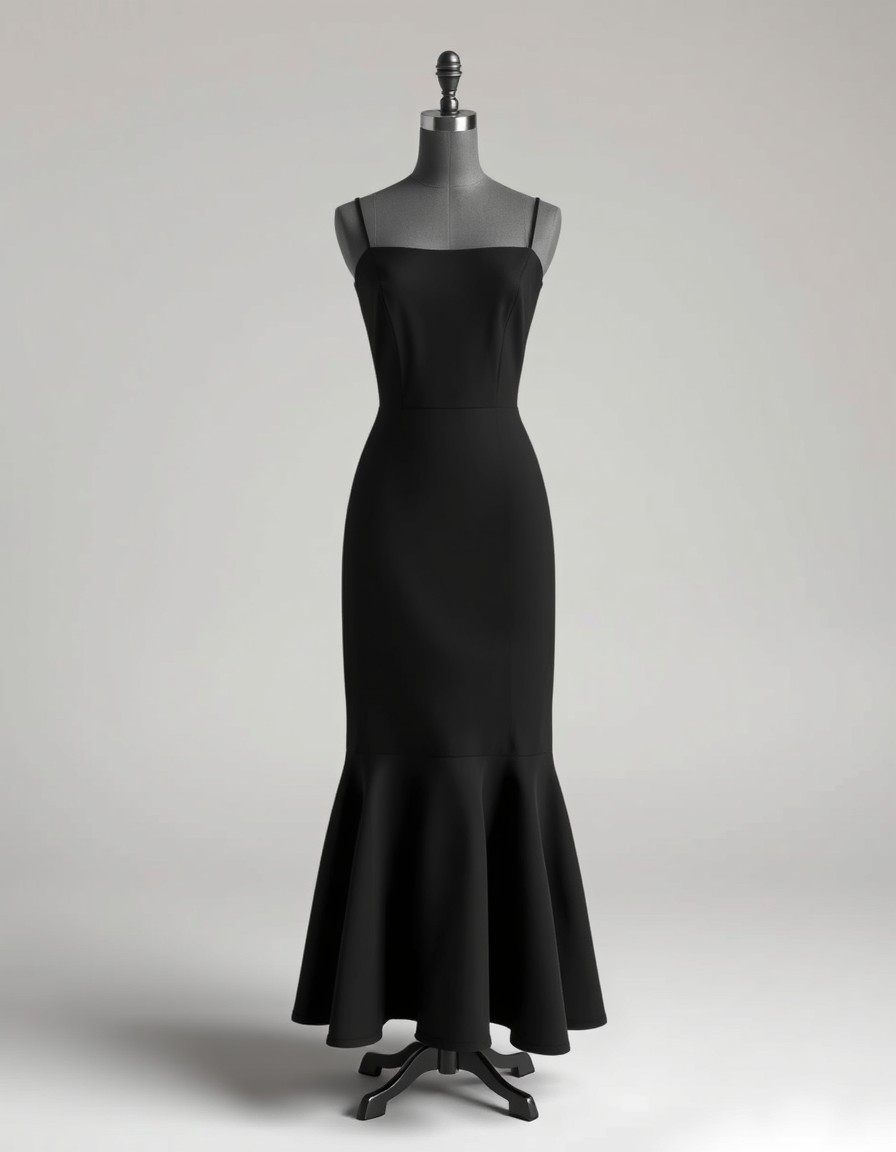
The little black dress
Year-round demand, silhouette-driven buyers
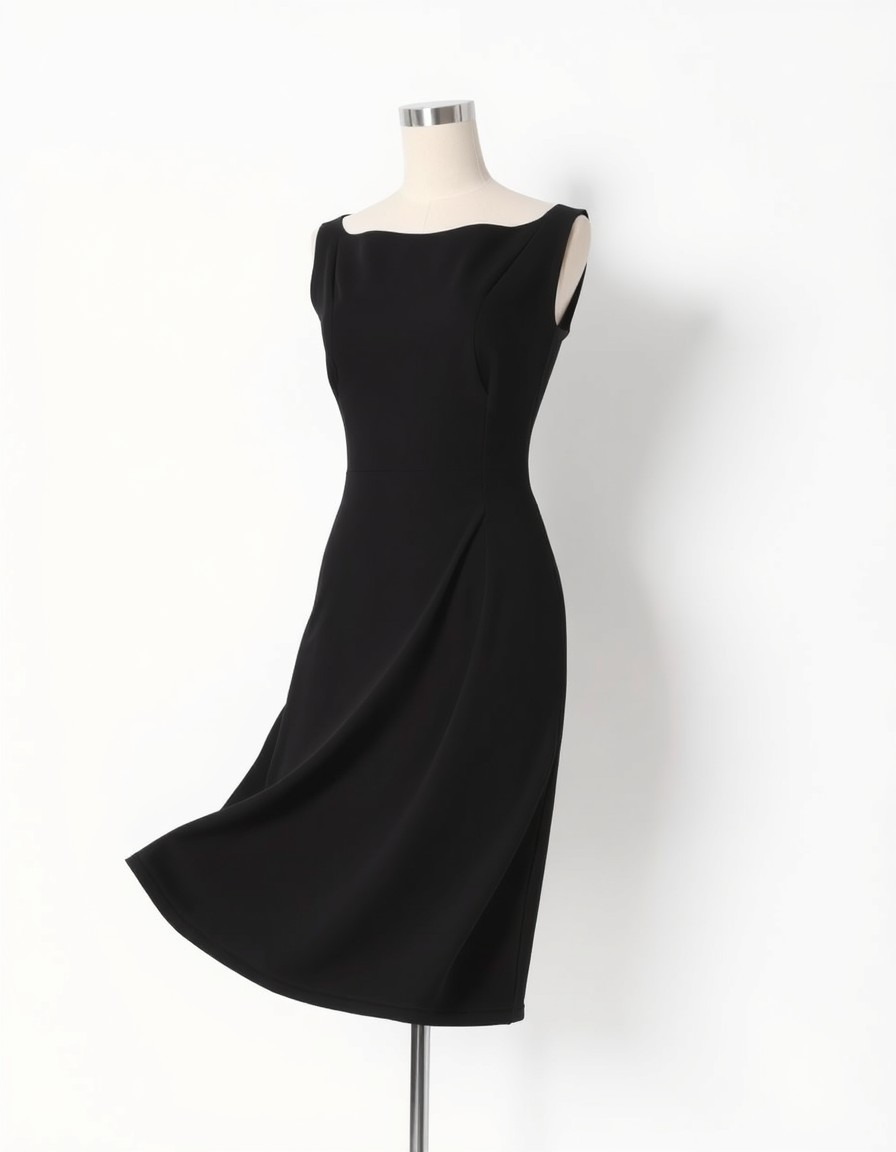
LBD shoppers already know the color; they're buying the shape. An on-model shot sells the neckline, the waist and the hem length in one glance — the exact things a flat-lay hides. Render it on two or three models and the listing answers every body-type question before it's asked.
Try this shape on you →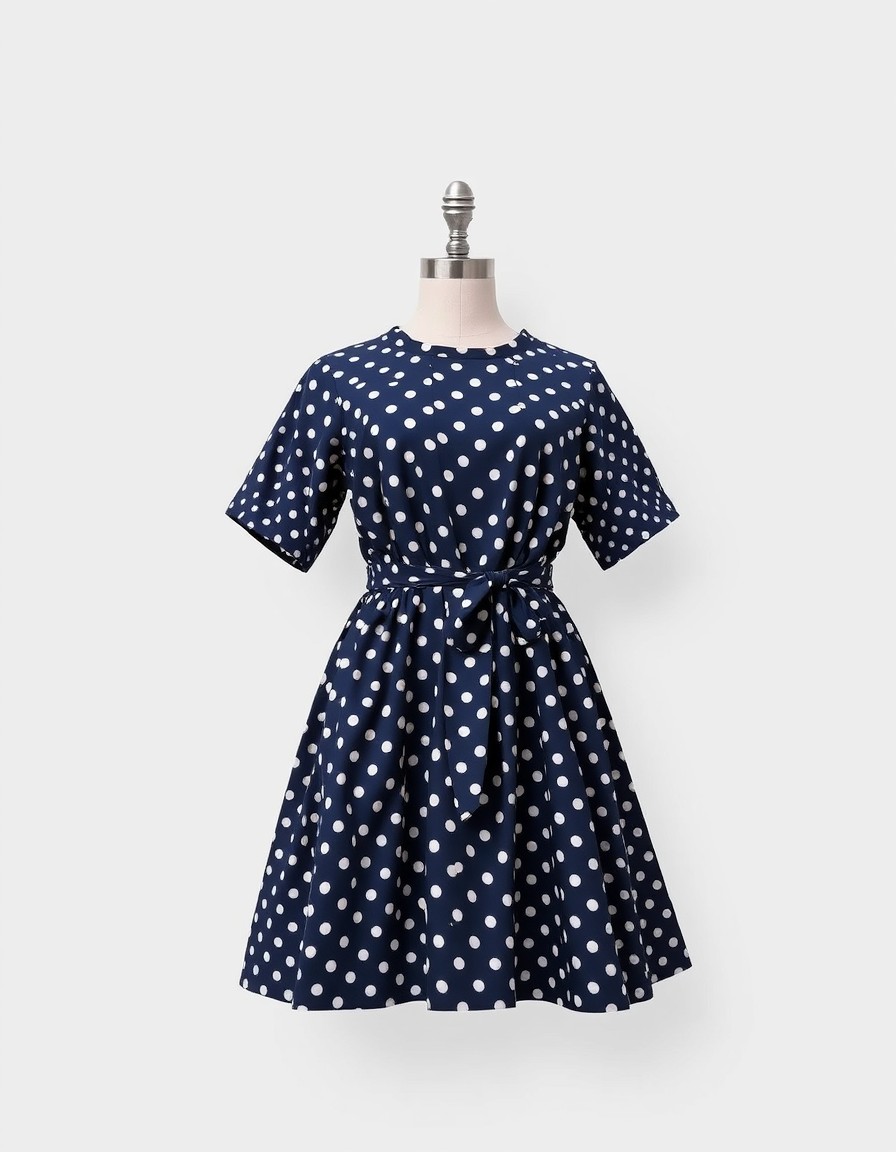
Retro swing & polka dots
Vintage hunters who buy the vibe
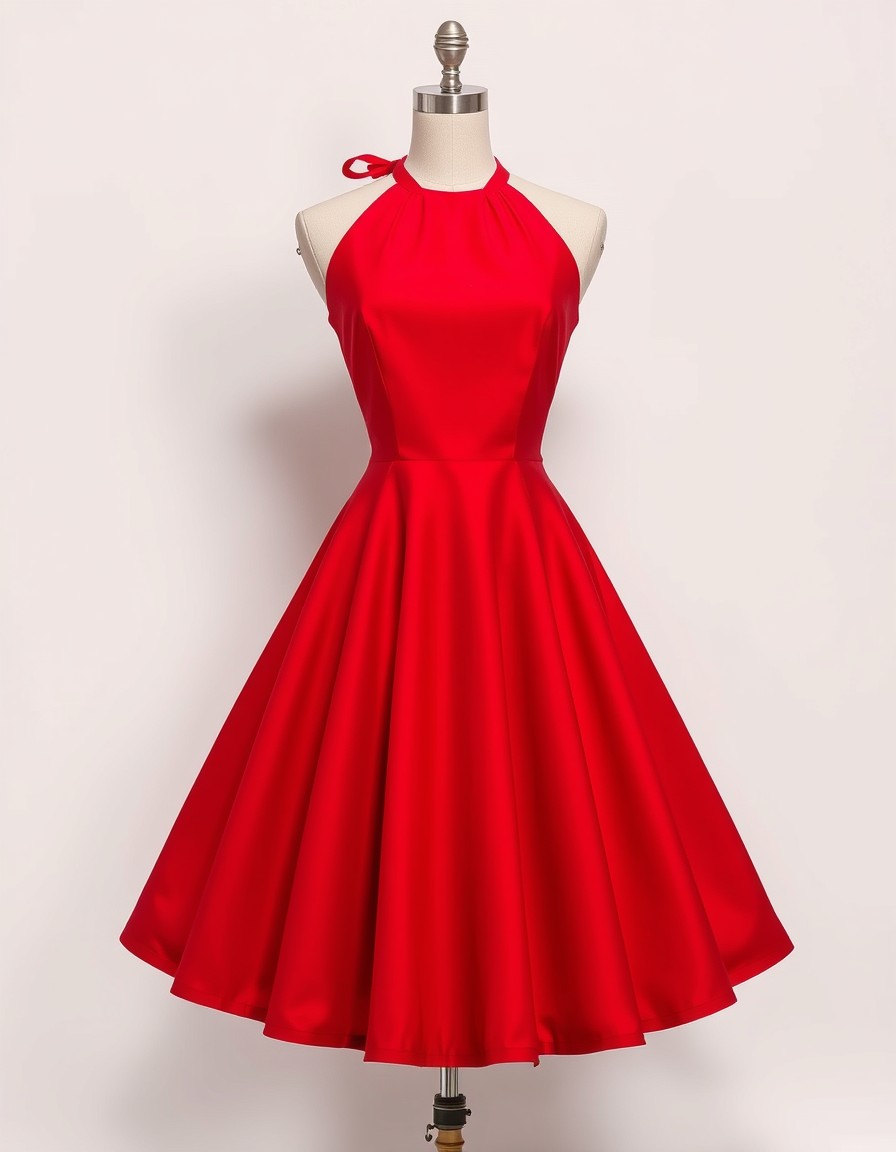
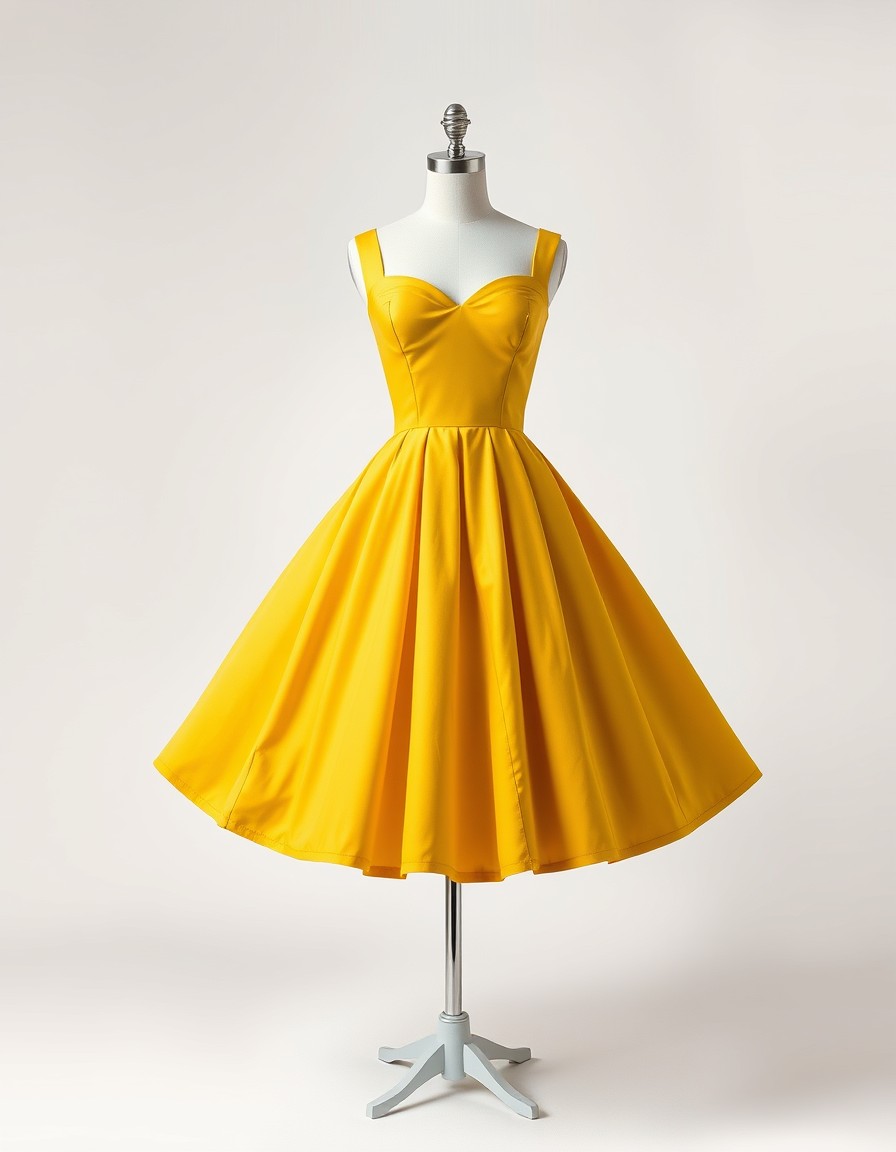
Retro buyers aren't purchasing fabric; they're purchasing an era. A swing skirt reads as retro only when it moves on a body — the flare, the waist tie, the twirl. One on-model render communicates fifty years of mood that a hanger never will.
Try this shape on you →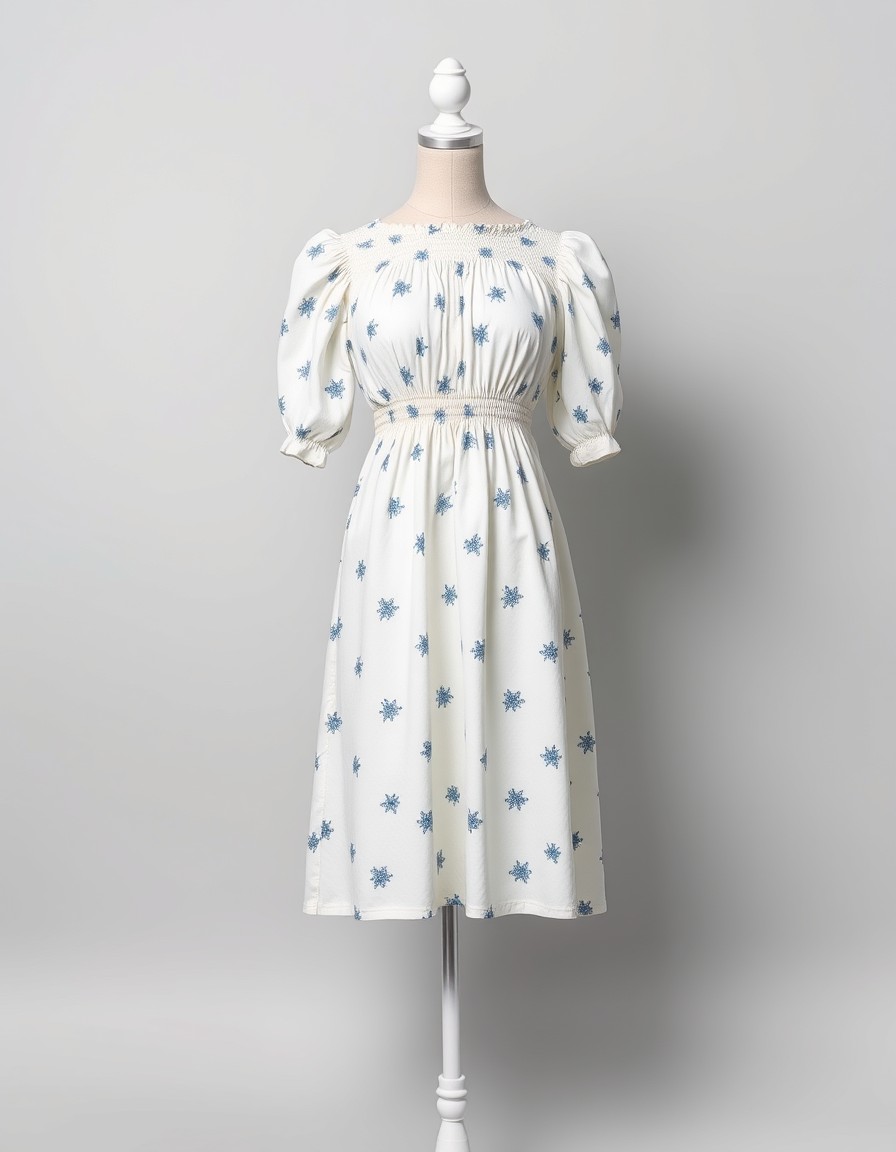
Cottagecore & prairie prints
Niche communities that reward mood shots
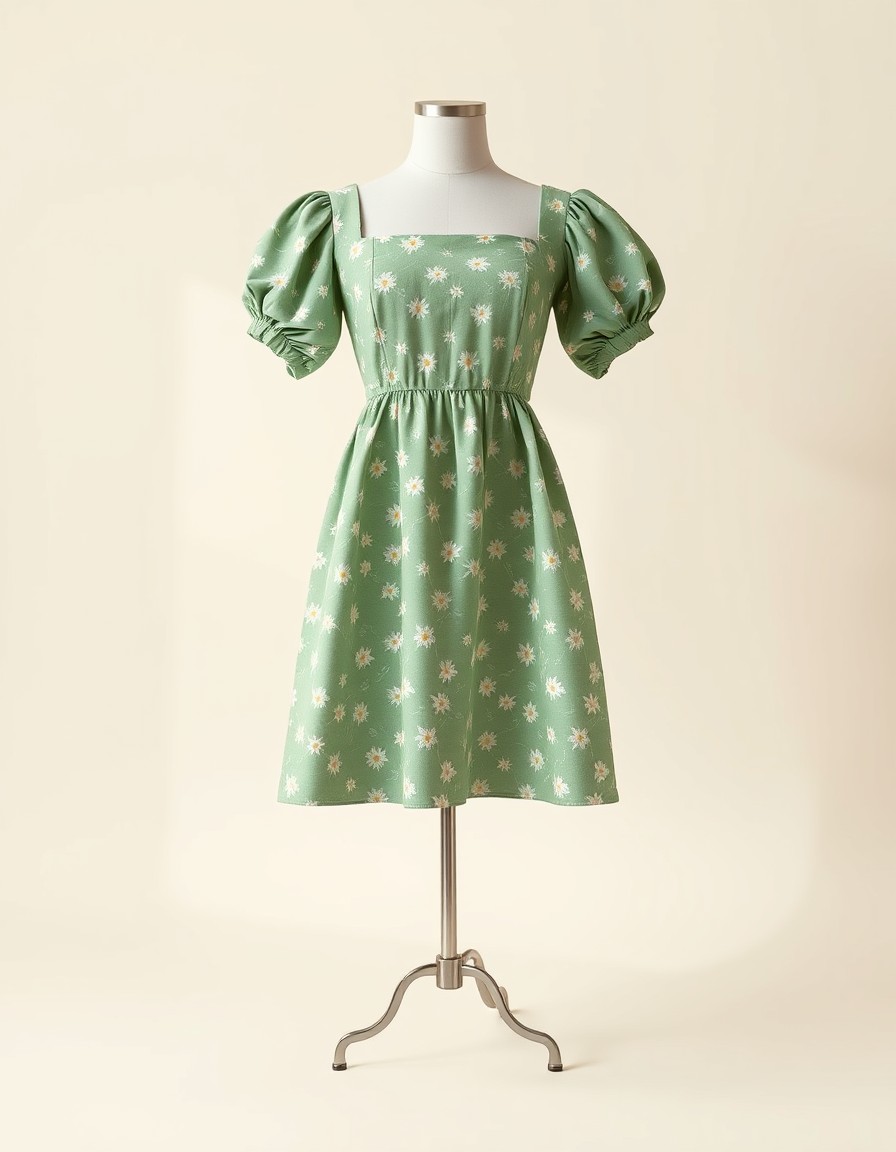
Print-driven styles live or die by how the pattern falls — and prints fold invisible in flat-lays. On a body, the daisies land where they land, the smocked waist gathers, and the buyer can see herself in the field. Mood is the product; the render is the mood.
Try this shape on you →From product photo to on-model
Real output from Twirldress — the exact fitting room embedded above. These are our own dress designs rendered on our AI models; your flat-lays go through the same engine unchanged.
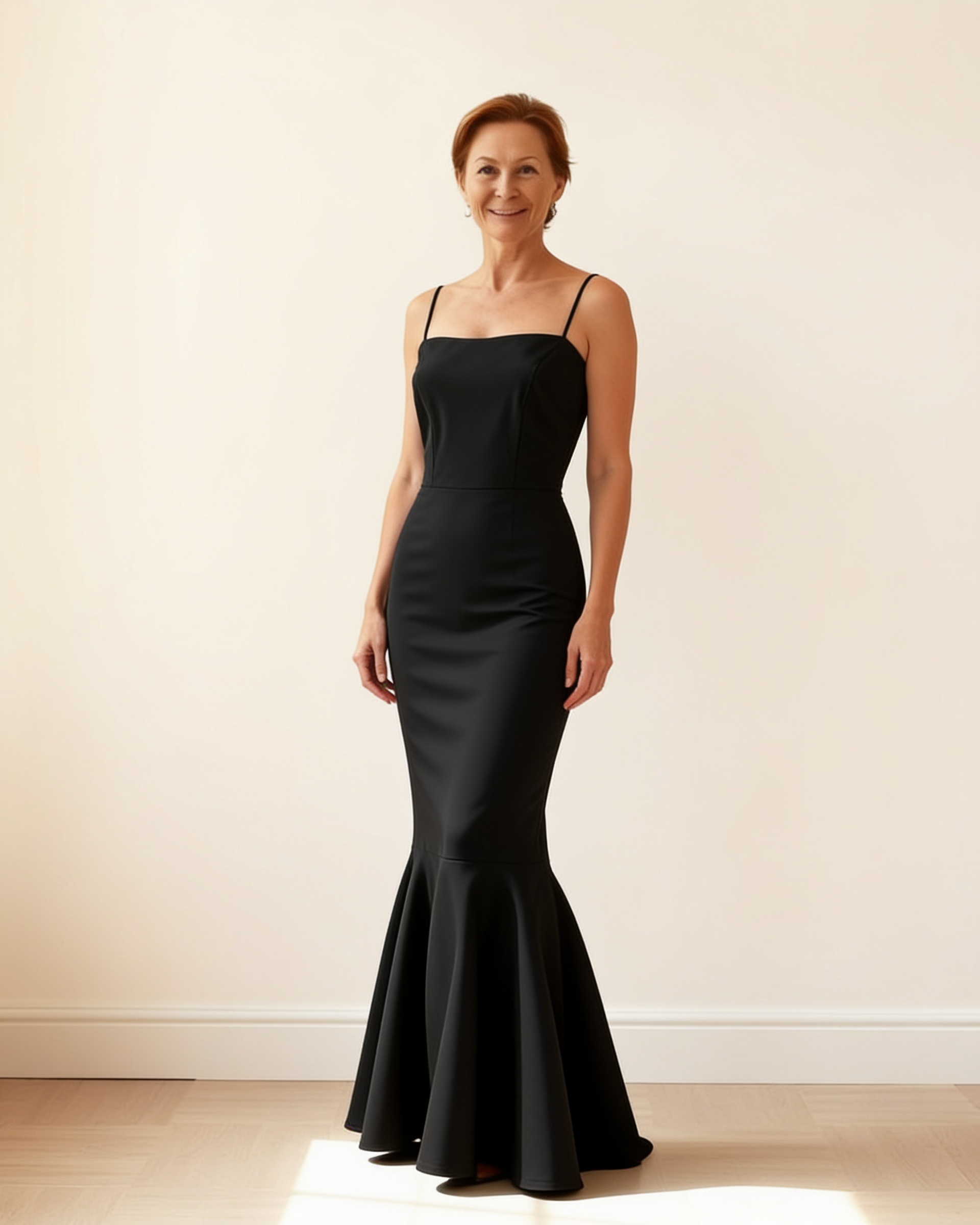
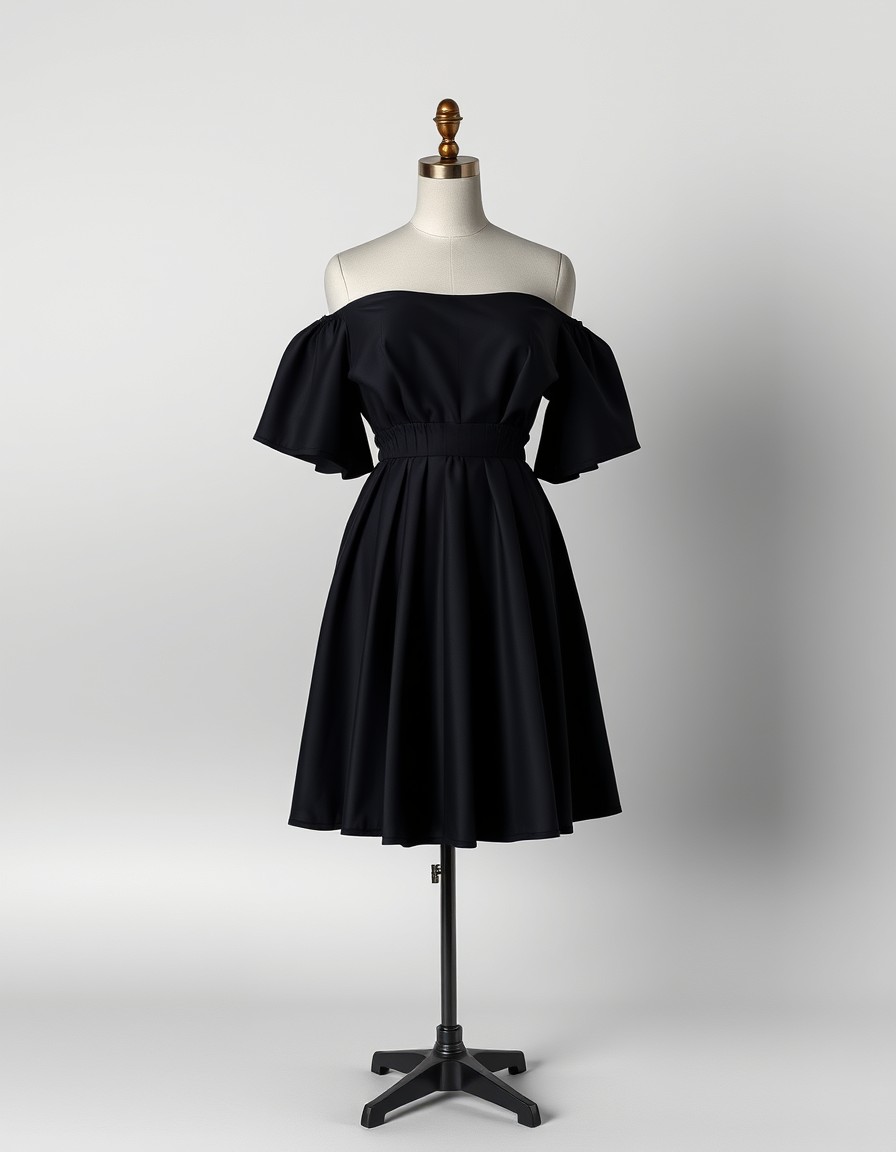
The Noir Flutter — an LBD rendered on our Europe model, 40s. The listing shot a flat-lay could never give you.
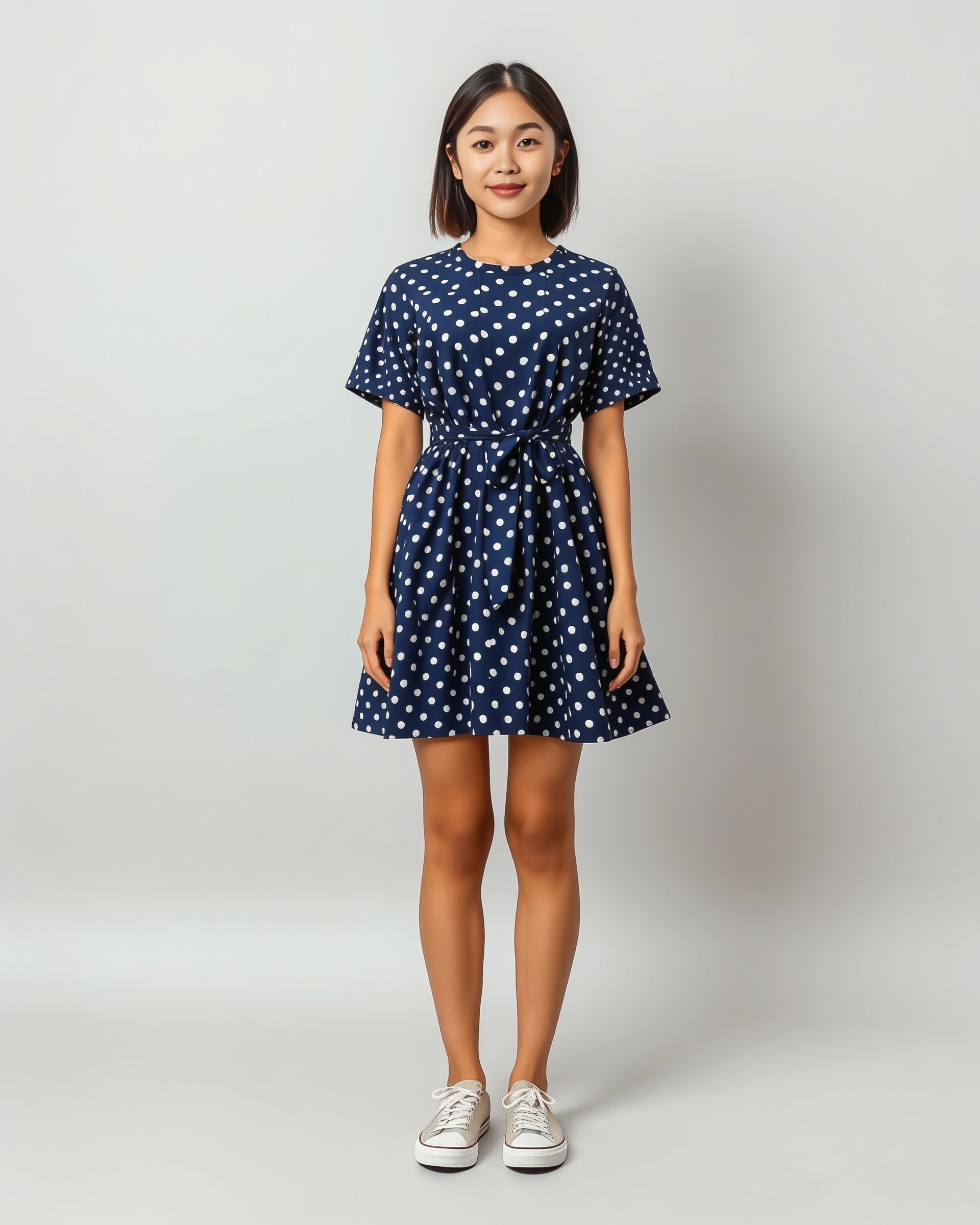
The Polka Tie — navy polka dots on our Mixed petite model, showing true flare and waist tie placement.
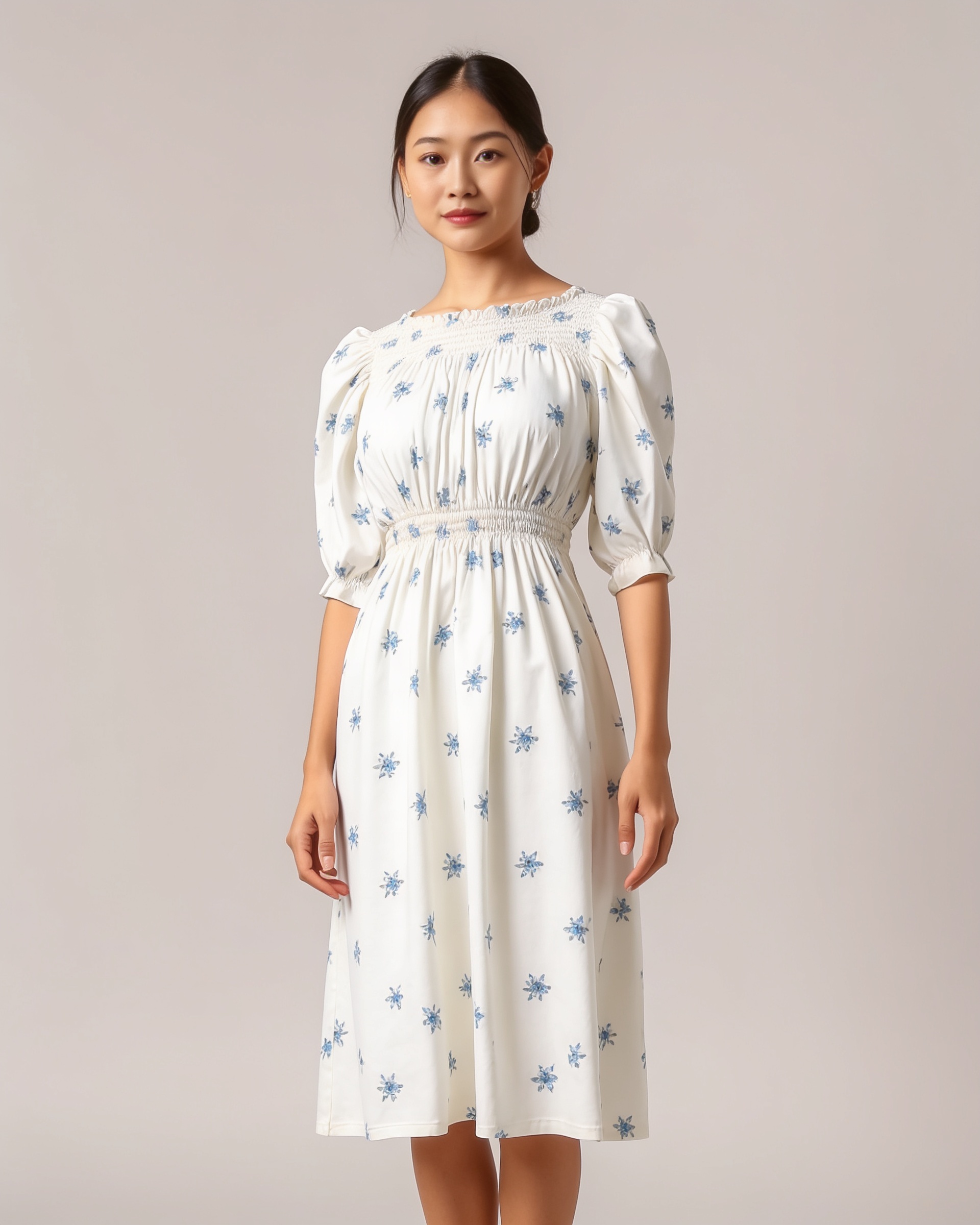
The Star Smock — cottagecore prints read completely differently once they drape on a body.
Try the look with a library piece
Bestsellers from our own collection — run one through the fitting room to see the quality, then upload the exact dresses you're selling.
How it works
Photograph the dress
One clear photo — flat-lay, hanger or mannequin on a plain background. Supplier product shots work as-is; the more visible the detail, the more faithful the render.
Pick a model
Choose one of our 20 AI models, or use your own full-body photo as the base. The dress is rendered onto her — cut, print and color intact, realistic drape and folds.
Download and list
Save the render and drop it into your listing as the cover or lifestyle shot. Credit renders are clean and watermark-free, ready for every marketplace.
Ready to see it on you?
Upload a photo, pick a dress from the library — or your own — and see it on you in about 20 seconds. First try-on free.
Frequently asked questions
+Can I use the renders in my shop and listings?
Yes. Renders made with credits are clean and watermark-free, ready for Shopify, Instagram, Poshmark, Depop or Vinted covers and galleries. Free try-ons carry a small twirldress.com watermark — use credits for anything customer-facing.
+What kind of dress photo works best?
Front-facing, well-lit, plain background: flat-lay, hanger, mannequin or supplier product photo. The more of the dress's detail is visible — prints, embroidery, neckline — the more faithfully it renders.
+Will the render match my actual garment?
Cut, color and drape follow the source photo closely. Renders are marketing imagery, though, not a substitute for accurate listing photos: keep your real detail shots in the gallery, and note fabric composition in the listing as usual.
+Should an AI render be my listing's main image?
Marketplace rules differ and change — check the current policy for your platform. The common low-risk pattern among resellers: lead with or pair your real item photos, and use the on-model render as the cover or lifestyle shot. Honest detail photos plus an AI model shot beats either alone.
+Do I have to tell buyers the photo is AI?
We recommend it — one line like "AI model visualization; actual garment shown in detail photos" protects your reviews and builds trust. Never present a render as a photo of a worn item you shipped; that's misrepresentation whatever the platform allows.
+Can I show one dress on different models?
Yes — run the same dress photo with different base models to show it across skin tones, ages and body proportions. It's the fastest way to answer "but how does it look on someone shaped like me?" inside the listing itself.
+What about dresses with heavy beading or unique details?
Details render as faithfully as your source photo shows them. Shoot the beading close-up for your gallery — the render carries the overall look and drape, the close-up carries the craft. Between the two, buyers see everything.
+How much does it cost per listing?
Your first try-on is free after sign-in; after that, renders cost small pay-as-you-go credits — typically less than a coffee per on-model shot. A ten-piece capsule previews for a few dollars, with no model, studio or reshoot costs.
+Do I need any editing skills?
None. Upload the dress, pick a model, download the render. It arrives ready to crop into a listing cover — no background removal, no retouching, no Lightroom.
+Can I use my own photo as the model?
Yes — upload a full-body photo of yourself and wear your own stock virtually. Sellers use it to show how a piece fits a real body type they know their audience matches.
+What happens to my photos?
Your dress and model photos are used only to create the try-on — processed by our image-generation provider, never stored on our servers, never used for AI training, and never shared. Details in our Privacy Policy.
+How long does a render take?
About 20 seconds per dress. Photographing, rendering and listing one piece takes minutes — a whole thrift haul can be listed in an evening.