How to Try On Dresses Online (Without a Fitting Room)
By the Twirldress Team
How to try on dresses online before you buy: pick the right photo, use an AI dress try-on tool, and check fit, color and movement — no fitting room needed.
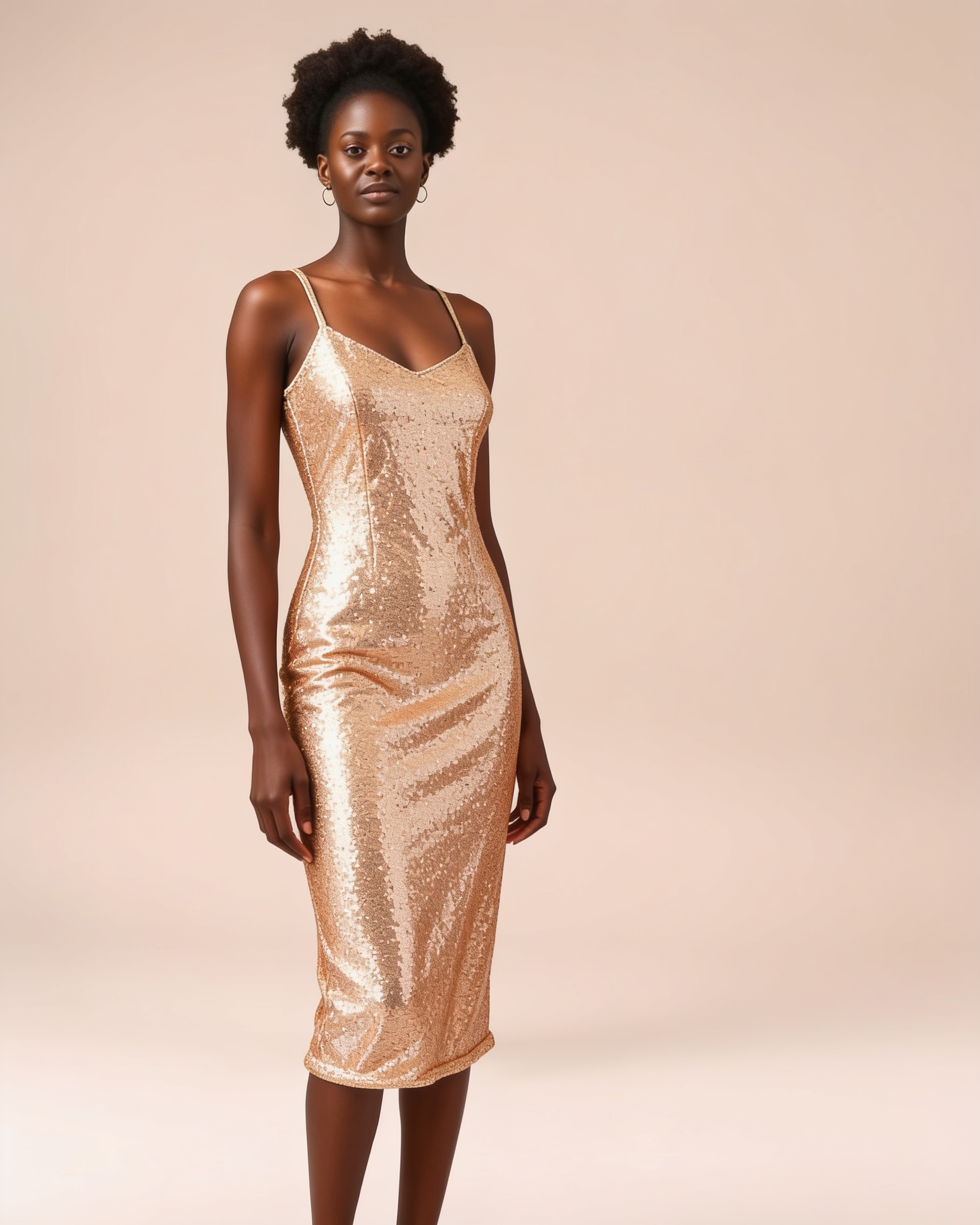
You find the dress. It's perfect — exactly the color, exactly the length, exactly the vibe you've been pinning for weeks. You order it. And when it arrives, it's… not quite right. Too tight here, too floaty there, and the color is a shade off from the photo. If you've ever wondered how to try on dresses online before clicking buy, the good news is you no longer need a fitting room, a tailor, or a returns policy to do it. An AI dress try-on tool puts the dress on your own photo, so you can see the fit, the color, and the feel on your actual body — in about twenty seconds. Here's the whole process, step by step.
By the Twirldress Team — we build Twirldress's free AI dress try-on so you can see a dress on you before you buy or commit. Every guide is written from real try-ons, not guesses.
Why dresses look so different once they arrive
Size charts are averages, not answers
A size chart tells you how a dress fits a hypothetical average body — not yours. Two dresses with identical measurements can drape completely differently depending on the fabric, the cut, and where it cinches. That's why the same size 8 can be your best dress in one brand and unwearable in another. Numbers can't show you drape; a picture of the dress on a body can.
Screens shift color
Product photos are shot under studio lighting, edited, and then displayed on your screen — which has its own color profile. That "dusty rose" can arrive closer to salmon. When you try a dress on a photo of yourself, you're at least judging the color against your skin tone and your lighting, which is far closer to how it will look in real life.
Fit is emotional, not just physical
A dress can be technically your size and still feel wrong — the neckline doesn't suit you, the skirt adds bulk where you don't want it, the length cuts your legs at an unflattering point. These are visual judgments, and you can only make them when you see the dress on you, not on a model who is 5'11" and shares none of your proportions.
How to try on dresses online, step by step
Here is the workflow we use ourselves (and the one built into Twirldress's free fitting room). It takes about two minutes for the first dress, and less for every dress after.
Step 1: Start with the right photo
The try-on result is only as good as the photo you feed it. You want a full-body shot, head to toe, taken straight-on in even light, in fitted clothing. A mirror selfie in your bedroom with the curtains open beats a moody concert photo every time. (There's a full photo checklist in the next section.)
Step 2: Pick the dress you want to see
Choose from the tool's dress library — bridal gowns, evening dresses, sundresses, qipao, prom dresses — or upload a photo of a dress you're thinking about buying. If you're choosing between two or three candidates, try them all. That's the whole point: comparing is free, while buying and returning is not.
Step 3: Generate, then really look at the result
The AI keeps your face, pose, and background, and redresses you in the dress. Don't just glance — check the waistline sits where it should, the hem hits where you'd want it, and the fabric folds naturally. Good AI try-ons show natural draping and shadows; if something looks pasted-on, the result is telling you the tool (or the photo) needs a second pass.
Step 4: Compare color against your skin tone
This is the quiet superpower of virtual try-on. That emerald green might sing against your skin in the render — or wash you out. Trying three colors of the same silhouette side by side on your own photo settles the question in minutes instead of three delivery cycles.
Step 5: Decide — or get a second opinion
Save the results you like and share them with the friend who gives honest advice, your bridesmaids, or the group chat. A picture of *you* in the dress is worth a hundred opinions about the product listing. If it's a wedding dress or a big-budget gown, bring the saved try-on to a tailor to discuss alterations before you even order.
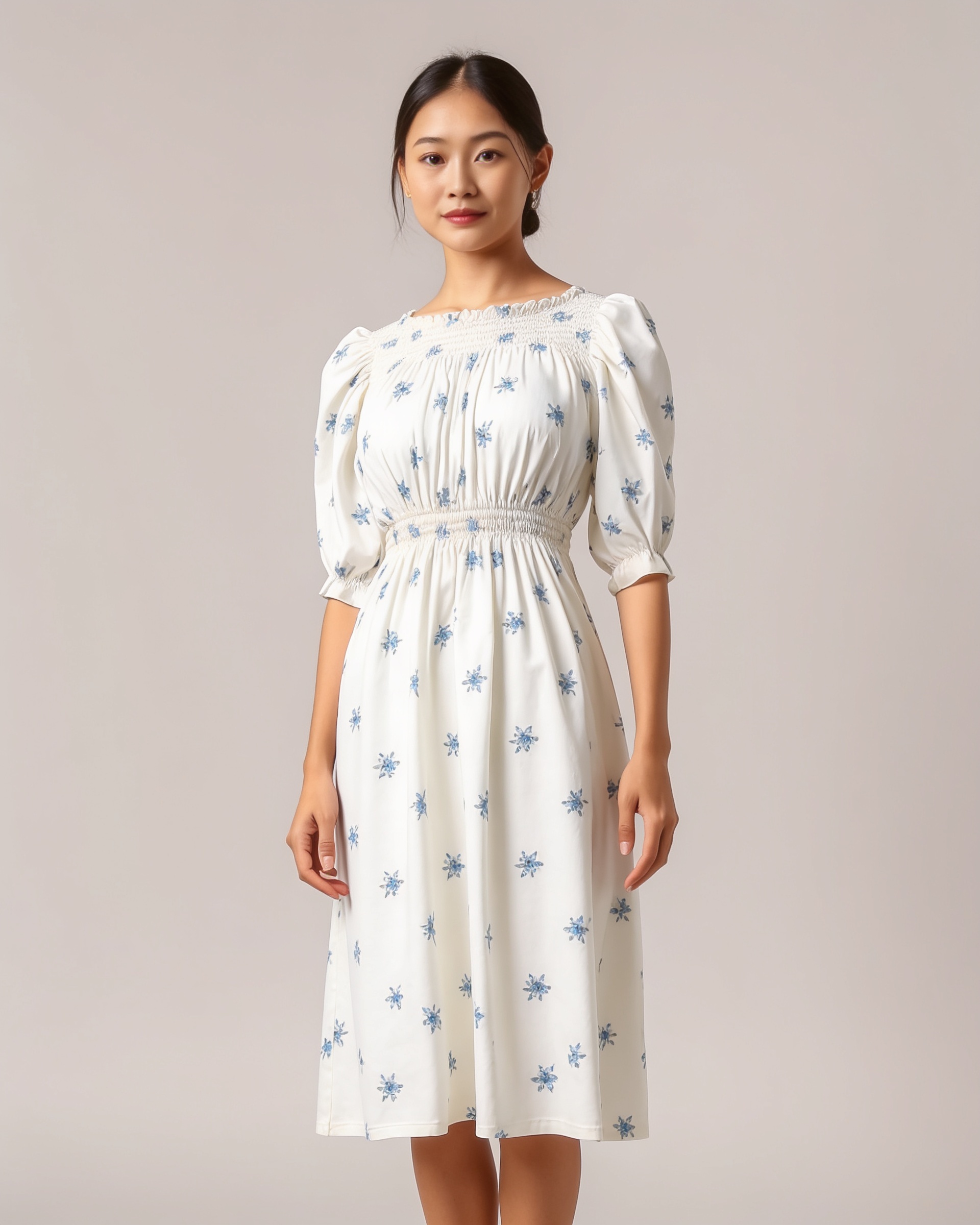
The photo makes the try-on: a quick checklist
Most disappointing try-on results trace back to the input photo, not the AI. Use this table before you upload:
| Photo choice | Why it matters |
|---|---|
| Full body, head to toe | The AI needs to see your full proportions to place hems, waistlines and shoe lines correctly. |
| Straight-on angle | Side or tilted shots skew how the AI reads your shoulders, waist and hips. |
| Even, natural lighting | Harsh shadows hide your outline; the dress gets painted onto shadows and looks off. |
| Fitted base clothing | Baggy clothes blur your real silhouette, so the new dress inherits the wrong shape. |
| Plain, simple background | Busy backgrounds confuse the edge between you and the scene. |
| A recent photo | You want the result to match the body you have today, not two years ago. |
Quick wins before your first try-on
- Stand about two meters from the camera so the photo isn't distorted by a wide-angle selfie lens.
- Ask someone to take the photo, or prop your phone at chest height with a timer.
- Wear something form-fitting — leggings and a tank top are perfect.
- Tie your hair back if it covers the neckline you're curious about.
- Try the same dress in two sizes or two lengths to see which direction flatters you more.
- Save every result — comparing five dresses in one gallery is how you spot your pattern (you like V-necks, you hate midi hems, and so on).
A real example, start to finish
Here's the flow on Twirldress with our AI model, from empty workspace to saved result — the same steps you'd take with your own photo:
- 1
Open the fitting room
Go to the Twirldress homepage — the try-on tool is right there, sign in and your first try-on is free.
- 2
Add your photo
Upload a full-body photo, or tap “or use one of our models” to start with a model photo like the one below.
- 3
Pick a dress
Browse the dress library by category — bridal, evening, retro, boho — and select one. The dress appears on your card instantly.
- 4
Choose an output size
3:4 is the default and suits most portraits; there are ten presets if you want a different ratio.
- 5
Generate and review
In about twenty seconds you get the front view — free. Check the fit, the color, the drape.
- 6
Unlock more angles (optional)
Back, left and right views cost one credit each and unlock instantly, so you can judge the dress from every side before deciding.
Common mistakes to avoid
- Uploading a cropped photo. If the AI can't see your feet, it has to guess where the hem lands.
- Judging a dress from one result. Try two or three silhouettes — the first one is rarely the winner.
- Using a group photo. The tool needs one clear subject; crop to just yourself first.
- Ignoring the base outfit. That flowy maxi dress painted over your hoodie will look bulky for a reason.
- Trying on a photo from five years ago. The result will flatter a body you no longer have, and the decision won't transfer.
- Skipping the color comparison. The silhouette you love can come alive — or die — in a different colorway.
- Forgetting the occasion. A dress that renders beautifully can still be wrong for a garden wedding at noon. Judge results in context.
How does AI dress try-on work?
You upload a photo of yourself and choose a dress. The AI keeps your face, pose, body proportions and background, then paints the dress onto your body with natural draping, folds and shadows — like a digital fitting room. On Twirldress the result takes about twenty seconds.
Can I try on dresses online for free?
Yes. Twirldress's first try-on is free once you sign in. Extra viewing angles (back, left, right) and larger packs use credits, but you can compare dresses on the free front view as much as you like within your free try.
Do I need to undress or use a special photo?
No. Wear normal fitted clothing — leggings and a top are ideal. The AI replaces the clothing in the photo with the dress; nothing private is needed and your photo isn't published anywhere.
How accurate is a virtual dress try-on?
Fit, drape and color are realistic enough to make buy-or-don't-buy decisions, which is what it's for. Treat it as a highly informed preview: it shows how a silhouette and color work on your proportions, not how a specific brand's sizing runs.
Can I try on a dress from a shop's product photo?
Yes. Alongside the built-in dress library, you can upload any dress photo — a product shot from a store, a screenshot of a gown you saw on Instagram — and the AI will dress you in it.
The bottom line
Learning how to try on dresses online comes down to three things: a clean full-body photo, a try-on tool you trust, and the discipline to compare more than one dress before deciding. It turns online dress shopping from a gamble into a preview — and it takes less time than driving to the mall.
Ready to see it on you?
Upload a photo and slip into any dress from our library — sign in and your first try-on is free.